1
Configuration
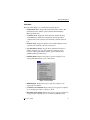
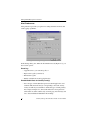
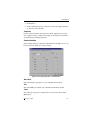
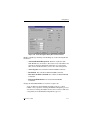
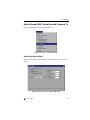
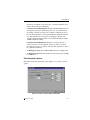
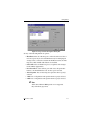
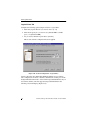
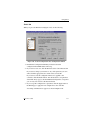
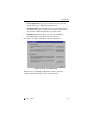
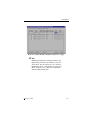
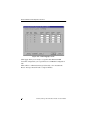
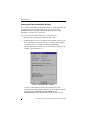
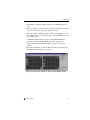
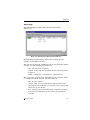
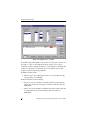
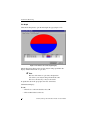
Figure 4-32. Speed Controller Options Dialog Box
Set any of the following Host Ports options:
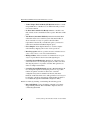
• Host Ports. Lists all of the host ports on the selected server. One or
more host ports may be selected simultaneously for making Speed
changes. Once a selection is made from the Host Ports list, the Auto
Negotiate, 1Gb, and 2Gb radio buttons are enabled.
• Select All. Selects all listed host ports as recipients of the changes
made with the Apply button.
• De-select All. De-selects all host ports and causes all speed radio
buttons to be disabled until at least one host port is selected.
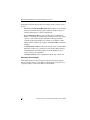
• Auto Negotiate. Sets an Auto Negotiate speed for the host port(s)
selected.
• 1 Gb. Sets a 1 Gigabits/second speed for the host port(s) selected.
• 2 Gb. Sets a 2 Gigabits/second speed for the host port(s) selected.
☛ Note
At this time, 4Gb and 10Gb speeds are not supported,
they will remain grayed out.
Manual No. 775084
4-37