1
MPEG4 Embedded User Manual
NUMBERS long. Use the NUMERIC keypad on the handheld to input the values.
** The unit has a built in SUPER Password, in case the ADMINISTRATIVE password does not work. It is a
back door entry to the unit which cannot be changed. The password is 19810512. IT IS HIGHLY
RECOMMENDED THAT THIS PASSWORD IS RECORDED AND STORED IN A SAFE PLACE.
1.9
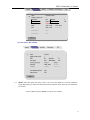
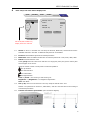
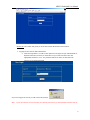
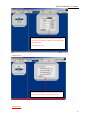
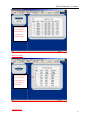
1394 Settings: Select “Close” and press “APPLY” it’ll close the 1394 function. Select “Open
Group 1” and press “APPLY”. To exit the menu press “EXIT” and the DVR will restart (this means
the 1394 function is activated). Select ‘RETURN” and press “ENTER”; the DVR will cancel the
activate function and return to previous menu.
System
System
Quick
Quick Setup
Setup
Camera
Camera
Schedule
Schedule
Date / Time
Close
Unit ID
Open Group 1
Video Type
Open Group 2
Audio Record
Open Group 3
HDD O/W
Open Group 4
HDD Format
Return
Event
Event Setup
Setup
PTZ
PTZ
Network
Security
1394 Settings
Default Setup
1.10
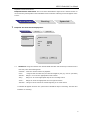
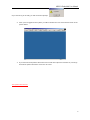
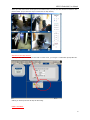
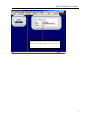
Default Setup: User ARROW keys to switch between “YES” and “NO”. Selecting YES will restore
the default factory settings.
Scroll to APPLY and press ENTER to save the new settings
2
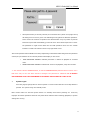
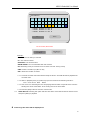
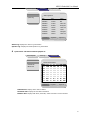
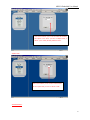
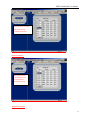
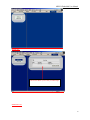
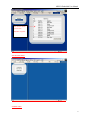
“Quick Setup” setup : The menu will be displayed as below:
(For M4-404RW/M4-804RW)
17