1
7.2 Installing the Data Privacy Option
7.2 Installing the Data Privacy Option
Before you can successfully mask the Core HRMS data, you must
properly install and configure the Optim Data Privacy option.
Perform the following steps:
1.
Install and configure the Test Data Management Solution
2.
Import data privacy definitions
3.
Create data privacy objects
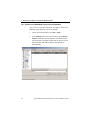
7.2.1 Install and Configure the Test Data Management Solution
Before you can use the Data Privacy option you must install and
configure Optim as described in Chapter 2. Installing Optim.
The Data Privacy option uses many of the Optim Data Privacy
tables. These tables must be loaded when configuring the first
workstation.
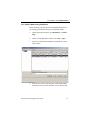
7.2.2 Import Data Privacy Definitions
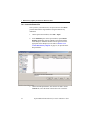
The Optim Data Privacy option installation includes an import file
that contains the Optim data privacy definitions needed to extract
and mask Core HRMS data from your Oracle E-Business source
database and insert the data into your target database.
Import the file into the Optim Directory and verify that the
definitions are imported successfully.
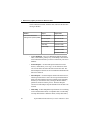
The import file contains the following definitions, which are
needed to extract the complete business object defined by the
Installation and Configuration Guide
59