1
App guide
64
・ WLAN networks
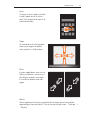
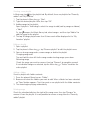
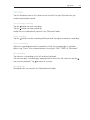
Tap a WLAN network to connect to it. If needed, type in the network SSID,
then tap "Save".
Bluetooth
MX uses Bluetooth technology to wirelessly connect to other Bluetooth devices and
exchange data. When turned on, you can edit the "Device name" that other devices
will see. When "Discoverable" is turned on, other Bluetooth devices nearby can find
the MX.
Pairing with other devices
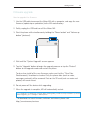
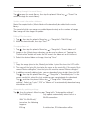
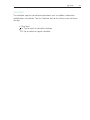
Tap "Scan for devices". Bluetooth devices nearby will be displayed. Tap to connect,
and enter a pin if prompted PIN. Tap to confirm pairing.
Note: The phone may be incompatible with some devices, and Bluetooth connectivity may be affected by
the surrounding environment.
Sound
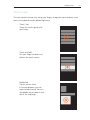
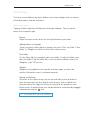
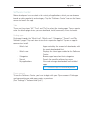
・ Silent mode
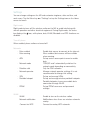
In silent mode, all sounds are muted except for when playing media and
when the alarm starts. The Vibration switch allows you to turn the phone
vibration on or off. Also, you can set the ringtone volume by dragging the
volume slider. Fade-in gradually adjusts the volume from low to high on your
ringtones.
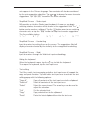
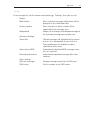
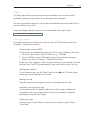
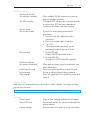
・ Ringtone and notification
Phone ringtone
Message tone
New email tone
Calendar alert tone
Notification tone
・ Feedback
Dialpad touch tones
Keyboard sound
Screen lock sound Camera shutter sound
・ SPDIF
SPDIF
Set
Set
Set
Set
Set
the
the
the
the
the
phone ringtone
message and tone
new email and message tone
alert tone for calendar
notification tone
Play sounds when using the dialpad
Play sounds as you type on the virtual
keyboard
Play a sound when unlocking the screen
Play a sound when taking pictures
Enable coaxial audio output on the from the
phone