1
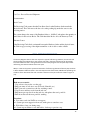
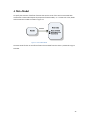
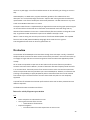
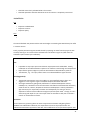
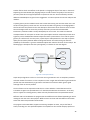
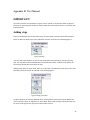
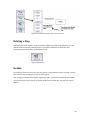
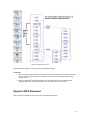
If you want to include a new block select the “Add Block” function and insert the block by clicking the
step preceding where you wish to insert the new block. As shown in the figure 3. The ALT button can
be pressed while clicking to add the block before the clicked step.
Figure.3 Adding a Block
Editing Text
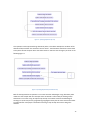
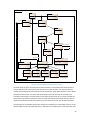
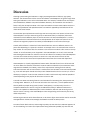
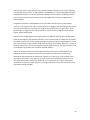
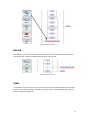
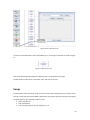
To edit the text of a step hold press CTRL while left clicking the step. Enter the text into the text
editor and press ok. When changing the width of the text editor window the width of the step in the
activity diagram will change with it.
Figure.4 Add/ Edit text
48