1
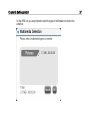
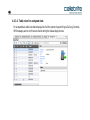
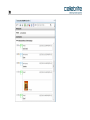
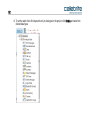
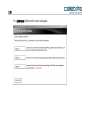
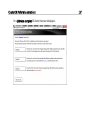
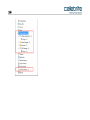
C hapter 11: Camera and screenshot evidence 143 Chapter 11: Camera and screenshot evidence UFED 4PC or UFED Touch together with the UFED camera enables you to collect evidence by taking pictures or videos of a device. A screenshot feature captures internal screenshots directly from a Blackberry, Android or iOS device. These options can be useful as complimentary evidence or in instances when data cannot be extracted from a device. This evidence can be displayed in UFED Logical Analyzer together with any notes, categories and bookmarks, which were added by the examiner. For information on capturing camera and screenshot evidence, refer to the UFED 4PC or UFED Touch user manuals. To import camera or screenshot evidence: Click the Evidence.ufd file. The Camera Evidence (pictures and videos) or Phone Evidence (screenshots) is imported into UFED Logical Analyzer as a new project. The evidence includes Phone Evidence or Camera Evidence divided by category, as well as entity bookmarks and notes that were added during the extraction. An example is displayed next.