1
154
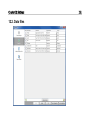
12.2.2. Managing data files settings
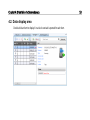
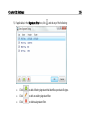
Add new types of data files, and edit and delete existing data file types.
12.2.2.1. Adding a new data file type
1)
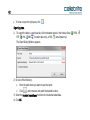
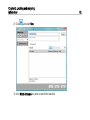
In the Data Files settings, click
.
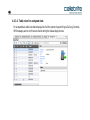
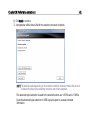
A new row is added to the list.
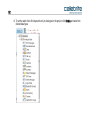
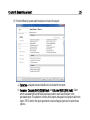
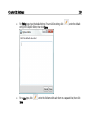
2) Select Active to display the added data type in the Data Type tree item.
3) Click in the new row's Description box, and type a file type description.
4) If applicable, in the Extensions box, enter the file extensions commonly used by your data file type
in the format *.xxx, and separated by ;.