C hapter
3: Getting started
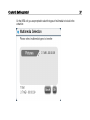
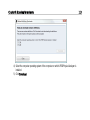
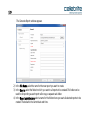
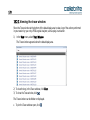
8) Follow the prompts in the UFED Touch unit until prompted to start the download procedure.
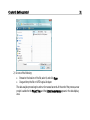
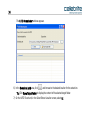
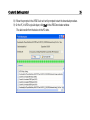
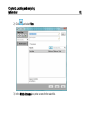
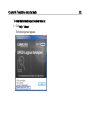
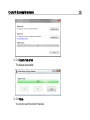
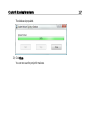
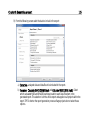
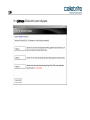
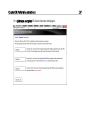
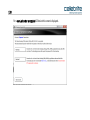
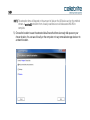
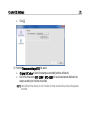
9) On the PC, in UFED Logical Analyzer, click Start in the UFED Downloader window.
The data transfer from the device to the PC starts.
35