1
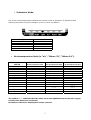
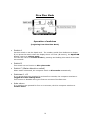
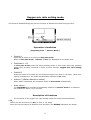
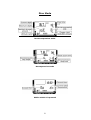
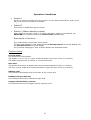
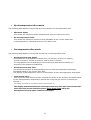
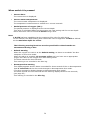
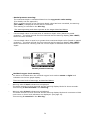
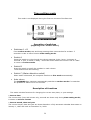
Transfer Mode
This mode is disabled during the first ten minutes of Surface time.
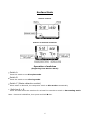
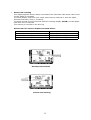
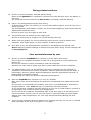
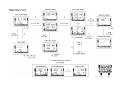
Operation of switches
(beginning from “Profile Mode”)
•
Switch A
•
Switch B
•
This switch is disabled when in this mode.
This switch is disabled when in this mode.
Switches A + B
In profile mode press and keep pressing these two switches for 5-6 seconds in
order to enter transfer mode.
Press and hold these two switches for about four or five seconds to return to
dive log mode.
•
Switch C (Water detection switch)
•
Auto return
This switch is not for Water detection switch, but for transfer connection when in this
mode.
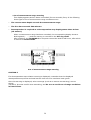
The AQUALAB automatically switches to dive log mode if no switches are pressed or
no data is transferred for about nine or ten minutes.
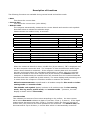
Description of functions
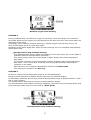
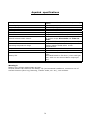
Use this mode to transfer log data and profile data from the AQUALAB dive computer
to a personal computer P.C.
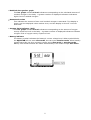
• After switching to transfer mode, attach the separately sold transfer tool and run the
PC's transfer software to transfer data from the AQUALAB dive computer to a PC.
• For description of the transfer tool setup and PC software operations, see the
documentation that comes with the separately sold transfer tool.
20