1
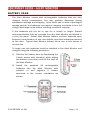
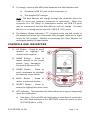
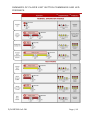
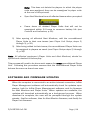
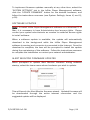
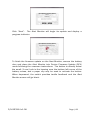
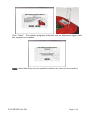
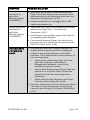
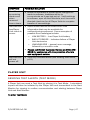
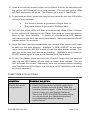
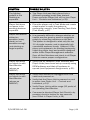
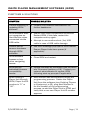
SYMPTOM POSSIBLE SOLUTION The lighting pattern is not flashing as expected. The Player Unit was likely placed into a different operating mode than desired. Power cycle the Player Unit off/on (see Player Unit – Controls and Indicators, p.19). Player Unit does not seem to be sending alerts as expected. Place the player unit in Test Mode and create a test impact to verify the system is performing correctly. (see Sending Test Alerts (Test Mode), p.67) Player Unit seems either too sensitive (many alerts) or not sensitive enough (not alerting on large impacts). It is generally difficult to discern whether an impact was too great or small in magnitude simply by observing collisions on the field. The system is designed to alert only the top 1% of single impacts, and to atypically high cumulative exposure levels. However, if the player unit appears to be Alerting improperly, check the player level and position assigned within InSite Player Management software. Sync all Alert Monitors and check in all Player Units to ensure proper configuration. Player Unit does not check in with Alert Monitor (shown as ABSENT). Verify that all hardware (Alert Monitors and Player Units) have been set up correctly using ISPM software and that all hardware is synced (see Equipment Assignments, p.30). Player Unit does not check in with Alert Monitor (shown as ABSENT). Verify Alert Monitor is unplugged from USB cable and powered on. Verify that the Player Unit is powered on and is active (see Player Unit – Controls and Indicators, p.19). Verify Player Unit is within range (50 yards) of an operating Alert Monitor. Command a directed Player Unit Check-In by pressing check-in button for two seconds (see Check In Player Units, p.48). P/N R63314 v1.08 Page | 69