1
63
5.4. DEVICES
5.4
5.4.1
Devices
Z-Wave Devices Inclusion
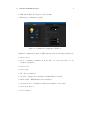
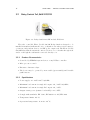
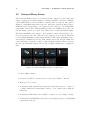
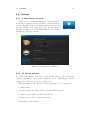
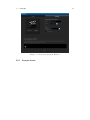
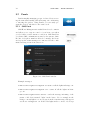
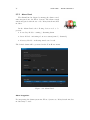
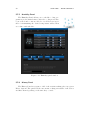
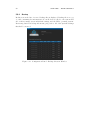
The Devices tab enables management of devices included
in the Fibaro System. Devices are Fibaro modules, Fibaro
system compatible sensors, IP cameras and virtual devices.
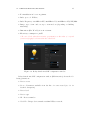
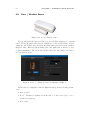
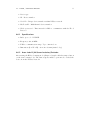
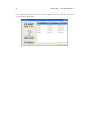
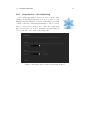
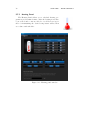
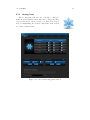
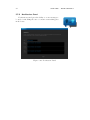
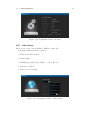
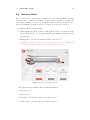
To add a Z-Wave device click Add. Once the system sets
itself into learning mode, Perform the tasks described in the
manuals (see chapters 3 and 4).
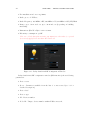
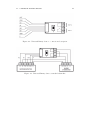
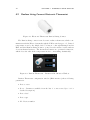
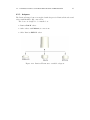
Figure 5.3: Adding Devices Window
5.4.2
IP Camera Inclusion
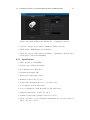
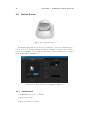
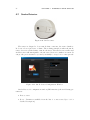
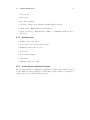
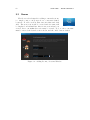
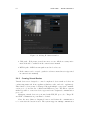
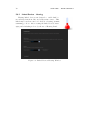
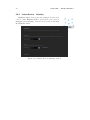
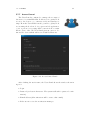
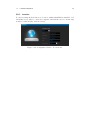
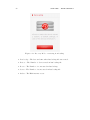
To add new IP camera, click Add. A new window will pop up, in which all
camera configuration options will be available. After completing the camera
configuration, click Save on the top of the screen.
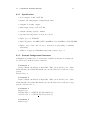
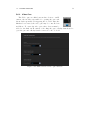
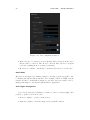
When including new IP camera, following options need to be configured:
• Camera name
• Room in which the camera will be presented in the interface
• Camera model - May be picked from the list
• Camera access - User’s login and password
• IP Address of the camera