1
WinCAT User Manual
Page 20
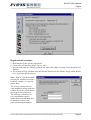
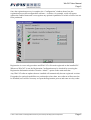
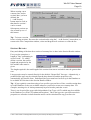
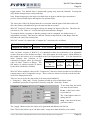
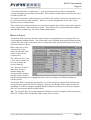
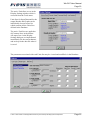
Several aspects of the Catenary Plots
display can be customised by using
the Display Settings window which
is accessed via the Tools menu.
Most of these settings apply to all
Catenary Plots.
The selections under the heading of
Catenary Plot Defaults are applied to
all Catenary Plots as initial defaults
when they are first computed
But, these aspects may then be
modified for each individual
Catenary Plot via the Plot Options.
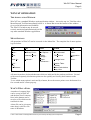
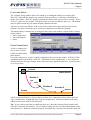
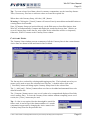
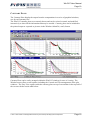
Roaming the cursor within the plot window provides an
immediate feedback of information on line properties and
co-ordinate positions via the status bar display.
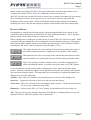
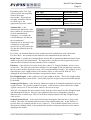
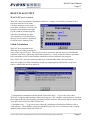
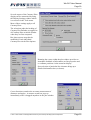
Spot selection of particular line elements brings up a
detailed information box (as shown).
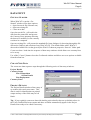
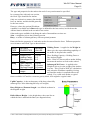
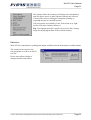
Cursor functions extend to the accurate measurement of
distances and angles. A measure result box pops up
immediately a line is dragged anywhere in the plot window.
SYN001:c:\documents
and settings\administrator\my documents\products\pisys\wcmanualpdf.doc
Page 20