1
Capturing with Your Camcorder
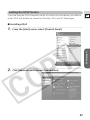
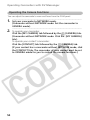
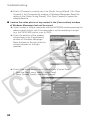
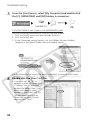
Click the [MY CAMERA] tab followed by the
(CAMERA) tab.
•••••••••••••••••••••••••••••••••••••••••••••••••••••••••••••••••••••••••••••••••••••••••••••
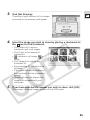
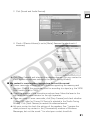
Click [Capture].
The display changes based on the
capture mode.
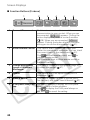
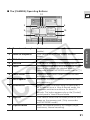
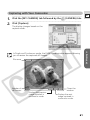
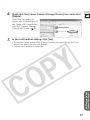
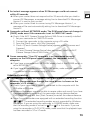
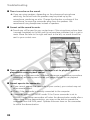
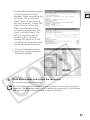
In Single and Continuous mode, the DVM Viewer window appears allowing
you to review the captured still images.
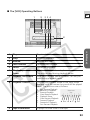
File name
Number of
still images
Displays the previous
image captured in
continuous mode.
Closes the
window.
Displays the next
image captured in
continuous mode.
61
DV Messenger
1.
2.
E
•••••••••••••••••••••••••••••••••••••••••••••••••••••••••••••••••••••••••••••••••••••••••••••