1
108
Getting Started with CreativeStudio™
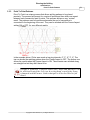
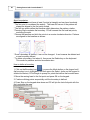
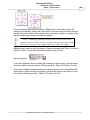
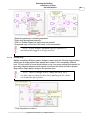
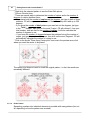
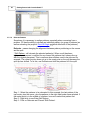
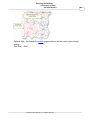
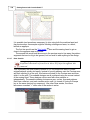
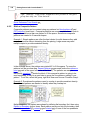
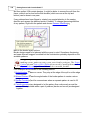
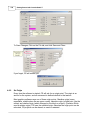
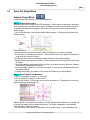
It is possible (and sometimes necessary) to trim using both the machine head and
the preview area. An example might be stitching a background area, in a block,
behind an applique.
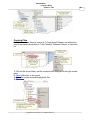
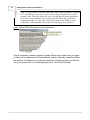
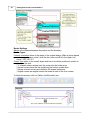
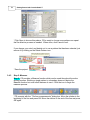
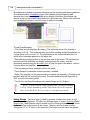
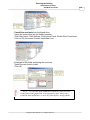
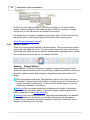
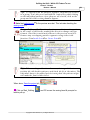
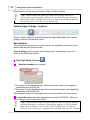
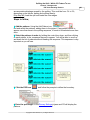
The first trim would use the Trim Inside 166 Icon and the sewing head to get as
close to the applique area as possible.
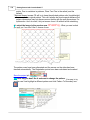
The second trim would use the mouse in the preview area to trim away the pattern
segments that are too big to be ignored, but too small to add anything to the design.
3.5.2.7
Draw Sewable
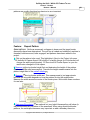
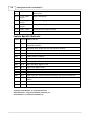
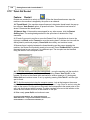
Design It Yourself: Draw Sewable choices are some of the
keyboard shortcuts referred to in these DIY tips throughout this
manual.
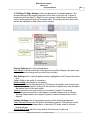
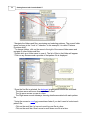
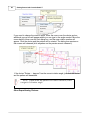
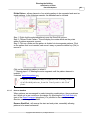
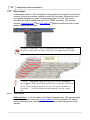
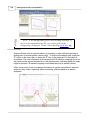
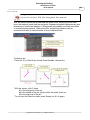
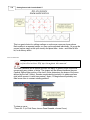
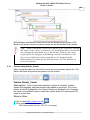
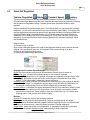
This is probably the most powerful feature of CS for people who want to create
original patterns quickly and easily. Instead of moving patterns onto the Preview area
and then stitching it on the quilt, this feature will draw on the Preview area and then
stitch it on the quilt. The sewable designs are all positioned using the mouse instead
of the sewing head. These designs can be used with other patterns or
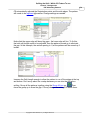
independently. The sewable drawing choices are arcs, curves, lines and patterns.
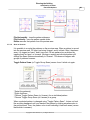
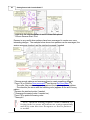
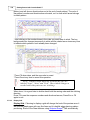
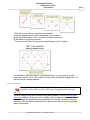
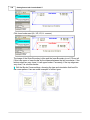
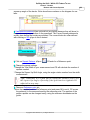
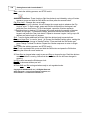
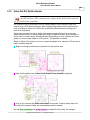
Each has a shortcut, and each remains active until it is turned off (using th Escape
key or the same shortcut key sequence). Like other Draw modes, the cursor
becomes a crosshair "+" when one of the modes is active.