1
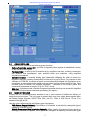
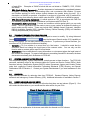
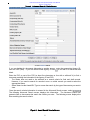
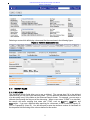
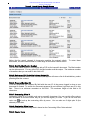
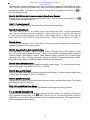
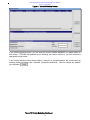
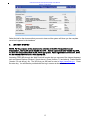
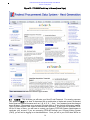
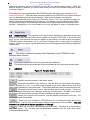
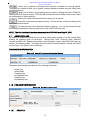
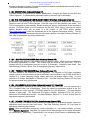
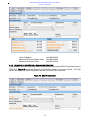
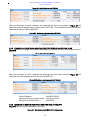
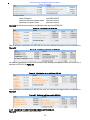
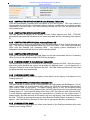
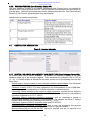
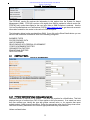
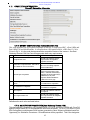
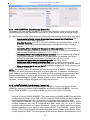
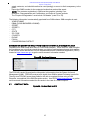
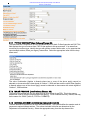
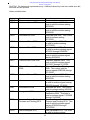
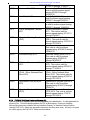
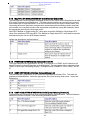
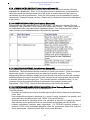
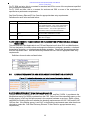
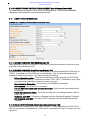
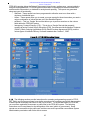
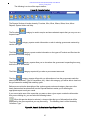
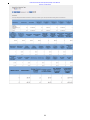
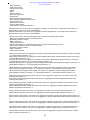
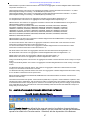
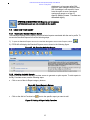
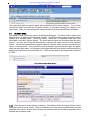
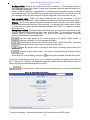
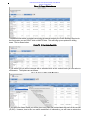
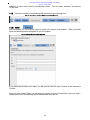
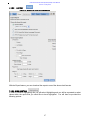
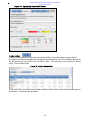
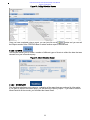
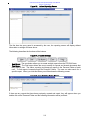
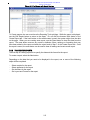
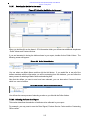
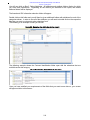
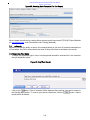
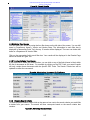
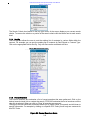
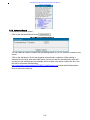
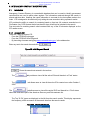
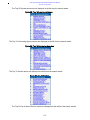
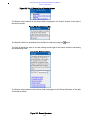
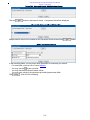
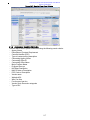
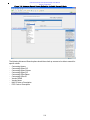
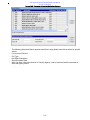
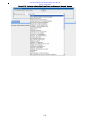
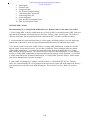
Federal Procurement Data System (FPDS) User’s Manual Version 1.4, May 2015 Figure 104. Advanced Search Add Selection Screen Click the button to add search criteria. A dropdown field will be displayed. Figure 105. Advanced Search Select Box Multiple search criteria can be added on the Advanced Search screen using Figure 106. Select Options In the remaining fields, you may enter other information to customize your search. For most fields, you may use a % as a wildcard. You may use the to see a pick list. You may use the drop down to select values You may enter values in the text boxes provided against some fields. Click . A list of IDVs will display. 116 button.