1
Getting To Know The User Interface
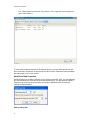
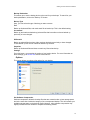
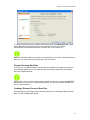
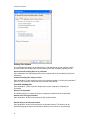
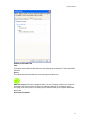
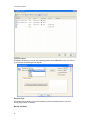
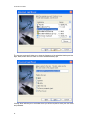
All of my C:
This will back up of all of the content of your C: drive. Please note that if you have a partitioned
hard drive with both a C: and an additional drive letter, this setting will only backup the content
of your C: drive.
All of My Documents
This will backup all files and folders that are stored in your My Documents directory.
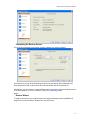
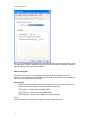
Let Me Select Items Manually
This option allows you to manually select the files and/or folders that you would like included in
the backup job. This selection will take you to the "Select Items to Backup" screen that is
described in the next section.
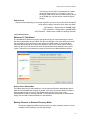
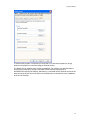
Use Previously Saved Script
This option allows you to select a previously saved backup job for use in the Wizard.
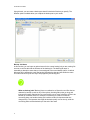
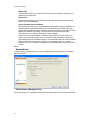
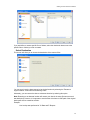
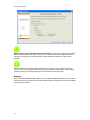
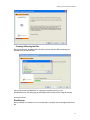
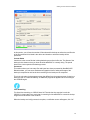
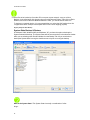
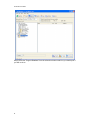
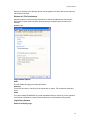
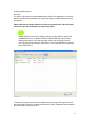
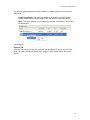
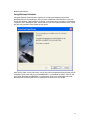
Select Items Manually Backup Screen
This screen will allow you to select the files and or/folders that you would like included in the
current backup set.
17