1
Printed Documentation
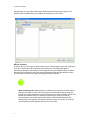
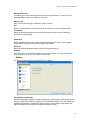
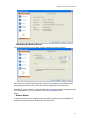
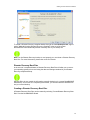
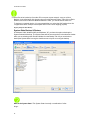
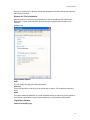
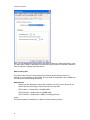
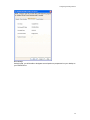
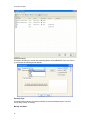
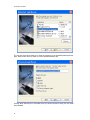
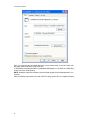
Here, you can designate the Data Chunking size when backing up to that specific device. Here
you also have the option to designate how much disc space to leave free should the hard drive
reach its maximum capacity during the backup.
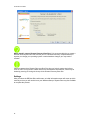
Data Chunking Size
This refers to the size limit of each backup file created during the backup process. For
instance, if you are backing up 1GB of data, and your Data Chunking Size is set to 500MB, two
.nb7 files will be created during the backup.
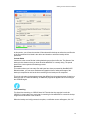
Default Values
Please note that depending on what type of partition you have on your hard drive, the
default value and accordingly, maximum chunk sizes, may differ.
FAT Partitions – Default value is 2000MB (2GB)
FAT32 Partitions – Default value is 4000MB (4GB)
NTFS Partitions – Default value is 0MB (no chunking enforced)
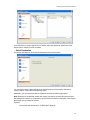
Custom
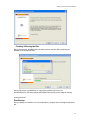
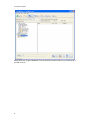
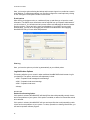
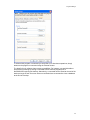
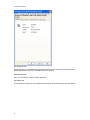
This feature enables a command to run before or after a backup or restore.
42