1
Importing Backups
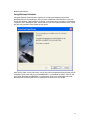
Importing a backup from media may become necessary if your machine crashes or you wish to
restore a backup created on one computer to another computer. The process is simple. To get
the backup contents into the current, local NovaBACKUP database (and therefore be able to
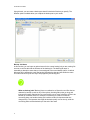
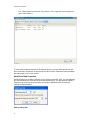
select files, folders and drives for restoration), follow these steps: From the Restore tab, first
click on the "Import" button located near the bottom of the screen. Alternatively, you can select
"Import Backup Job" from the File menu.
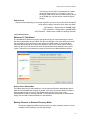
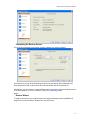
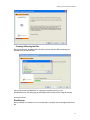
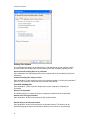
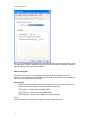
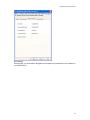
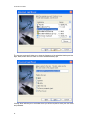
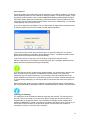
If you run the import from the Restore Tab, you will receive an Import Source selection screen.
(If selecting import source from the toolbar, you will forgo this window.)
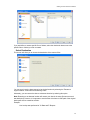
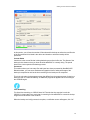
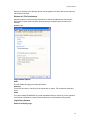
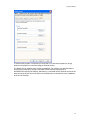
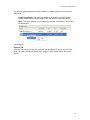
If your import source is Disc, then you will be given an "open file" dialog box. You should
browse to the media you would like to import and press "Open." A progress window will then
appear and the import process will begin immediately.
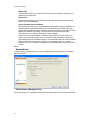
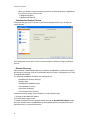
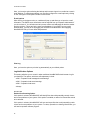
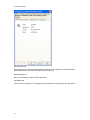
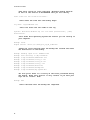
If your import source is Tape, then you will be given a Tape Drive selection screen.
Select the tape device you would like to import and press "OK." A progress window will then
appear and the import process will begin immediately.
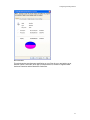
If you are importing from a complete set of spanned media, you should always select the first
piece of media as your first import. NovaBACKUP will then prompt you to insert each
subsequent piece of media if necessary. It is necessary to have the complete backup, all
media, available to do the restore. If your backup consists of 5 pieces of media and media #3
is corrupt/missing/ damaged, you will only be able to restore data from the first two pieces of
media.
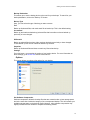
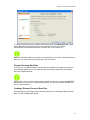
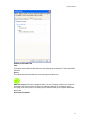
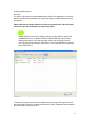
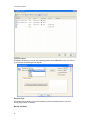
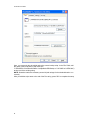
After importing the media, it may be necessary to press the "Refresh" button on the Restore
tab. All imported backups will appear under an "Imported Backups" heading in the Media View.
Importing vs. Restoring
It is important to know the difference between importing and restoring. The import process
does NOT restore your data to your hard drive. What it simply does is import a "listing" of
available data on the imported media. This information is imported into the database and
enables NovaBACKUP to create a tree listing of the data in the Restore view. From there, you
will be able to select the data you would like to restore from the media and complete a
restoration just like you would any other restoration.
65