1
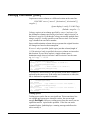
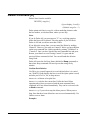
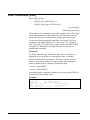
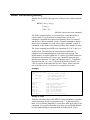
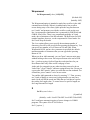
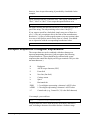
:Listredo Command [LISTREDO/F7]
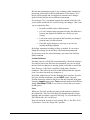
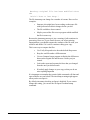
The :Listredo command displays any of the previous 1,000 commands.
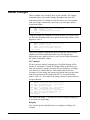
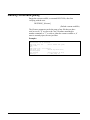
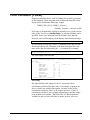
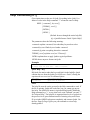
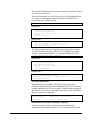
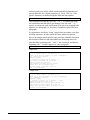
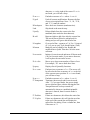
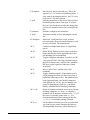
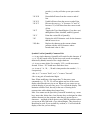
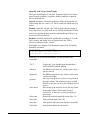
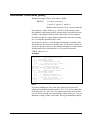
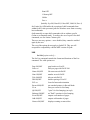
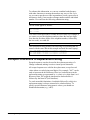
LISTREDO
[ start [ / stop ] ]
[ string ]
[;REL]
[ ALL | @ ]
[;UNN]
[;ABS] [;OUT=file]
(Default: display previous 20 commands)
(BJ, F7 and ,, are short for Listredo)
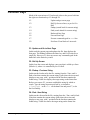
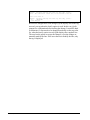
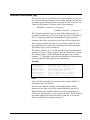
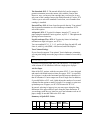
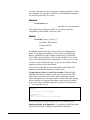
Commands are numbered sequentially from 1 as entered and the last
1,000 are retained. You can display a single command, a range of
commands, all 1,000, or all the commands whose name matches the
string. You can print the commands with ABSolute line numbers (the
default), RELative line numbers (-5/-4), or UNNumbered. The OUT
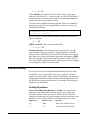
option is not available for Qedit/UX. If you want to redo any of these
commands, see :Do, :Redo, and Before.
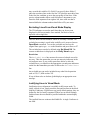
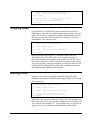
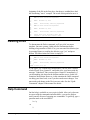
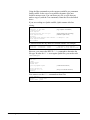
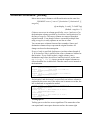
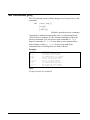
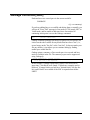
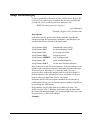
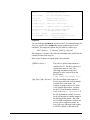
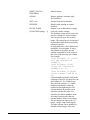
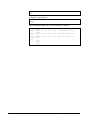
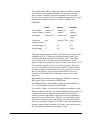
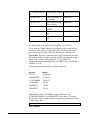
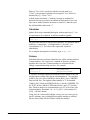
Examples
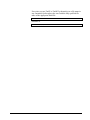
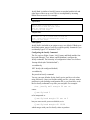
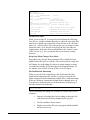
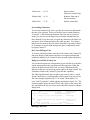
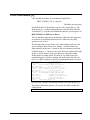
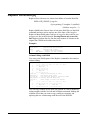
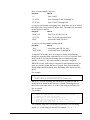
/listredo
/listredo
/listredo
/bj
/listredo
/listredo
/listredo
/listredo
/listredo
/listredo
5
5/10
help
-10
ALL
rm
rm xx
@rm
@;rel
{print all Help commands}
{historical shorthand!}
{print last ten commands}
{print entire redo stack}
{print all rm commands}
{print all "rm xx" commands}
{print all with "rm" anywhere}
{print all, relative numbers}
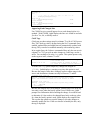
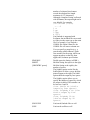
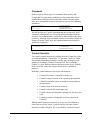
Notes
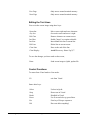
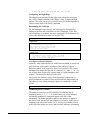
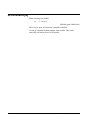
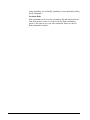
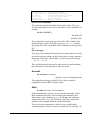
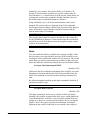
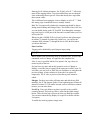
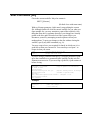
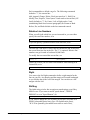
The :Listredo command can be abbreviated to ",," or BJ, or can be
invoked by the F7 function key. Using F7 to invoke Listredo only
works in Line mode, not Visual mode. You cannot use ";" to combine
commands on the same line.
Qedit 6.0 for HP-UX User Manual
Qedit Commands • 149