1
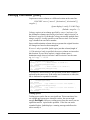
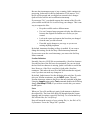
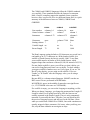
however, loses its special meaning if preceded by a backslash. In the
example,
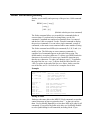
abc[123]
square brackets indicate a character class. This regexp would match
"abc1," "abc2" or "abc3." If we escape the square brackets as in
abc\[123\]
the square brackets are then used as literals. This means they are now
part of the string. The only matching value is then "abc[123]."
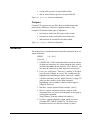
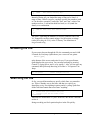
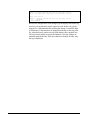
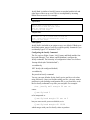
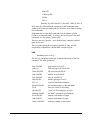
If you want to search for a backslash, simply enter two of them in a
row (\\). The only exception to this is the start-of-line metacharacter.
Because it (^) is also a valid escaped sequence (see next section), there
is no way to tell Qedit to search for the caret as a literal. You should
use an expression with the corresponding hexadecimal value.
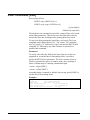
x05e
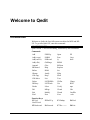
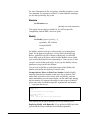
Escaped Sequences in Regular Expressions
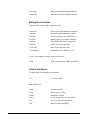
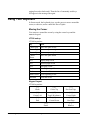
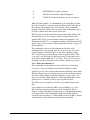
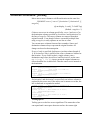
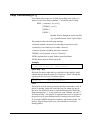
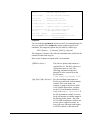
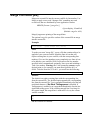
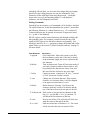
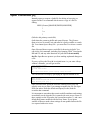
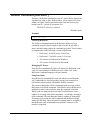
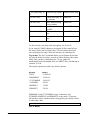
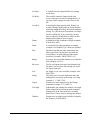
The escape character can be combined with other characters to
represent nonprinting characters. Qedit recognizes the following
escaped characters: (These should not be confused with escape
sequences that control the display on HP-type terminals. They are also
not metacharacters.)
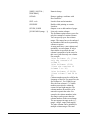
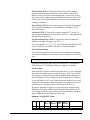
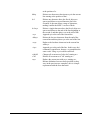
\b
\e
\f
\n
\r
\s
\t
\DDD
\xDDD
\^C
Backspace
ASCII escape character (ESC)
Form feed
New line (line feed)
Carriage return
Space
Horizontal tab
1-3 octal digits representing a character's ASCII value
1-3 hex digits representing a character's ASCII value
Control code (e.g., Control-G (^G) is the Bell character)
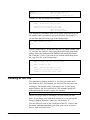
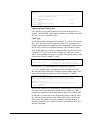
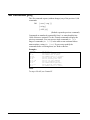
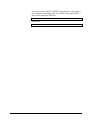
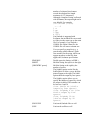
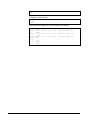
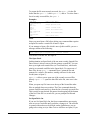
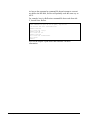
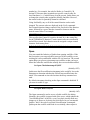
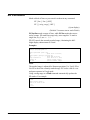
For example, you would use:
\t
\e&d@&
{all lines with a tab character}
{terminal escape sequence ESC&d@}
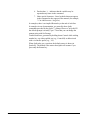
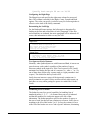
Escaped characters can be used anywhere an ordinary character is
used, including a character class and to declare a character range.
276 • Regular Expressions
Qedit 6.0 for HP-UX User Manual