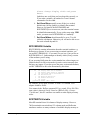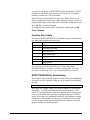
1
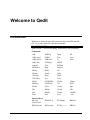
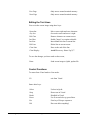
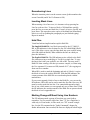
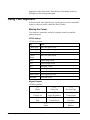
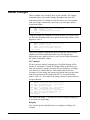
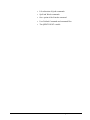
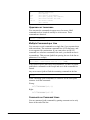
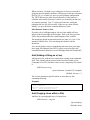
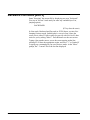
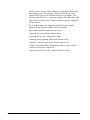
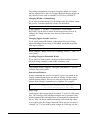
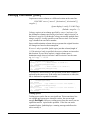
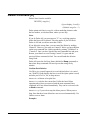
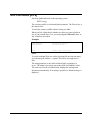
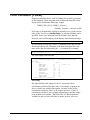
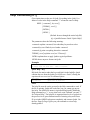
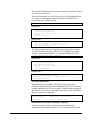
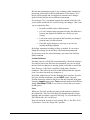
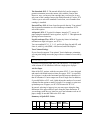
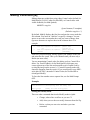
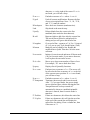
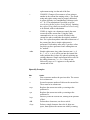
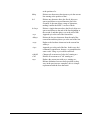
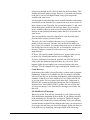
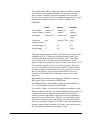
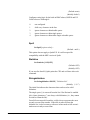
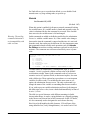
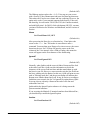
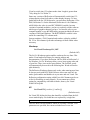
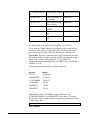
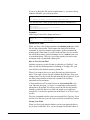
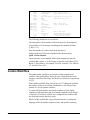
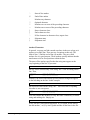
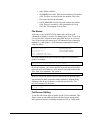
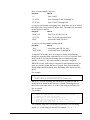
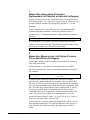
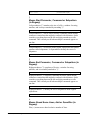
Delete Last
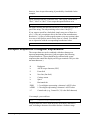
Spaces remove
characters at end of line.
Replaces from end of
line (overwrites).
Deletes current line.
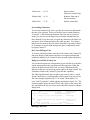
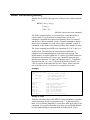
^A ^D
Replace End ^A ^O
Delete Line
^T ^D
1
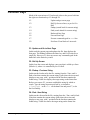
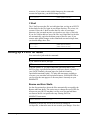
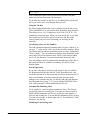
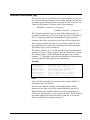
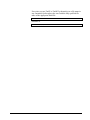
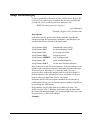
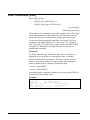
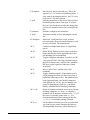
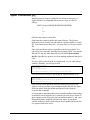
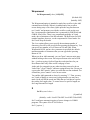
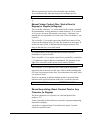
Overwriting Characters
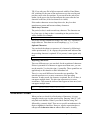
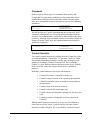
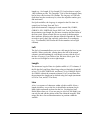
To overwrite characters in a line, type the new characters underneath
the ones to be replaced. There is no need to type a control character;
"overwrite" is the default edit function. Once you are in Overwrite
mode, you can also use the Space bar to erase the columns that you
move through. If you have not yet typed any characters, the Space bar
just moves your column position to the right one place. You can get
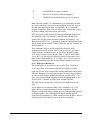
into Overwrite mode at any time while in modify by pressing ControlO. Terminate overwrite mode and go into space- transparency mode
by typing Control-T.
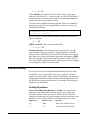
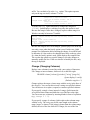
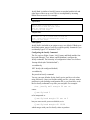
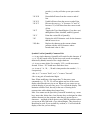
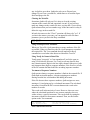
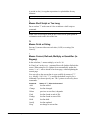
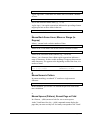
Start Over Editing a Line
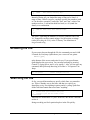
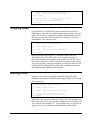
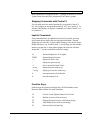
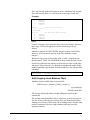
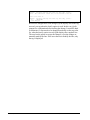
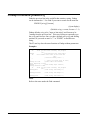
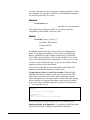
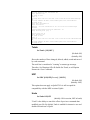
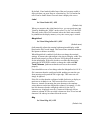
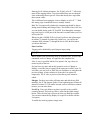
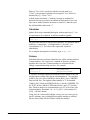
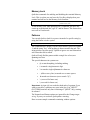
To correct a Modify mistake, enter the Goof control code (Control-G)
and press Return. Qedit restores the line to its original contents and
restarts the Modify cycle. Control-G does not undo Splits and Splices.
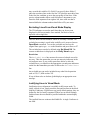
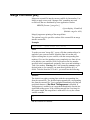
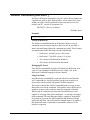
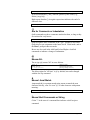
Doing Several Edits in One Line
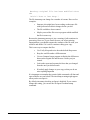
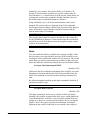
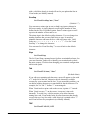
You can do more than one edit operation in one edit-line if each edit is
clearly separated from the preceding and following ones. When the
edits are at different ends of the line, you must Terminate the first
function so that you can move the cursor right to the next column. The
Terminate control code (Control-T) provides this capability.
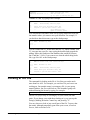
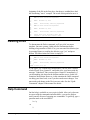
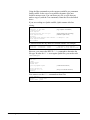
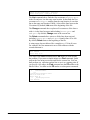
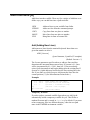
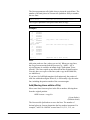
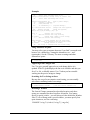
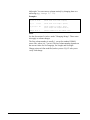
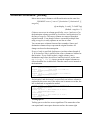
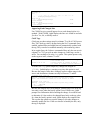
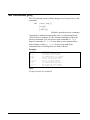
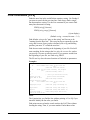
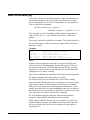
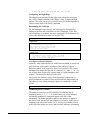
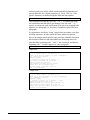
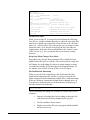
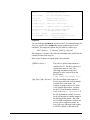
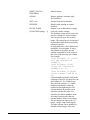
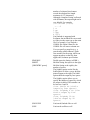
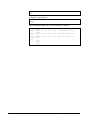
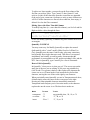
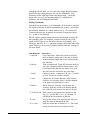
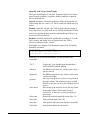
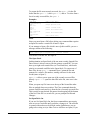
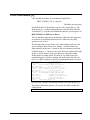
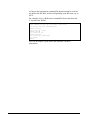
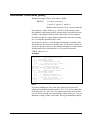
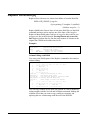
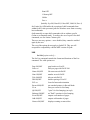
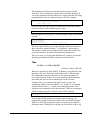
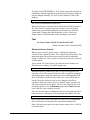
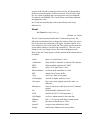
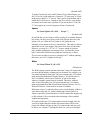
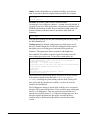
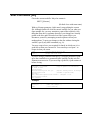
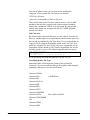
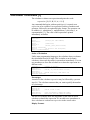
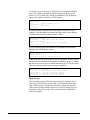
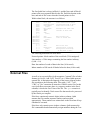
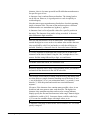
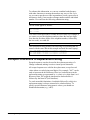
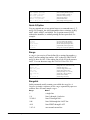
The following illustrates where to place your control codes (^ stands
for the Control key), even though they will not appear on your screen.
The first example capitalizes the "r" in "return", then replaces "in
error" with "by mistake", which requires inserting the letters "ke." The
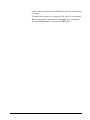
second example inserts the word "Goof" and a space at the start of the
line, and deletes the last two words at the end of the sentence, adding a
final period.
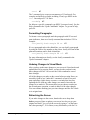
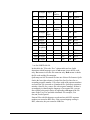
/m 13
13
a return. If you do this
R
<spaces> R<^T, spaces>
13
a Return. If you do this
in
by
by
by
error,
{displays line}
mistake
{^codes are: }
mista<^B>ke<Return>
mistake,
{redisplays}
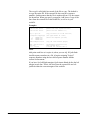
/m+1
14
control code restores the line for you. {displays line}
Goof
.
{^codes are: }
<^B>Goof <^T, spaces>
.<^D, Return>
14
Goof control code restores the line.
{redisplays}
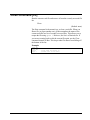
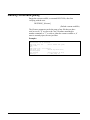
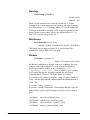
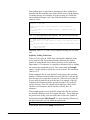
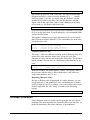
Deleting Characters
Qedit 6.0 for HP-UX User Manual
Qedit Commands • 157