1
Easy Smart GbE Switch
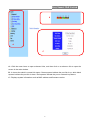
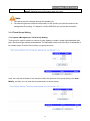
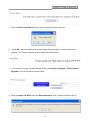
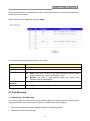
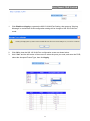
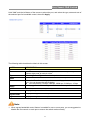
5. Click OK and wait for several seconds to download the firmware, then you’ll see the upgrade
status interface as shown below. After finishing the TFTP upgrade procedure, switch will reboot
automatically.
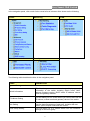
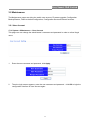
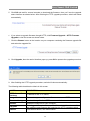
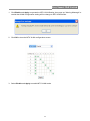
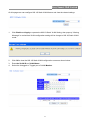
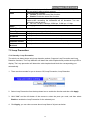
6. If you select to upgrade firmware thought HTTP, click Firmware Upgrade < HTTP Firmware
Upgrade to view the screen as shown below.
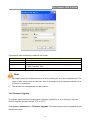
7. Click the Browse button to the location on your computer containing the firmware upgrade file
and select the upgrade file.
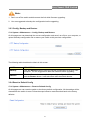
8. Click Upgrade, then the remind interface pops up, press OK to operate the upgrade procedure.
9. After finishing the HTTP upgrade procedure, switch will reboot automatically.
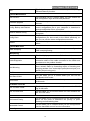
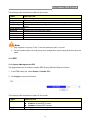
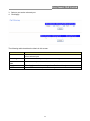
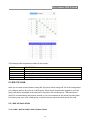
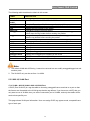
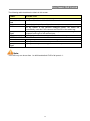
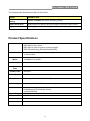
The following table describes the labels in this screen.
LABEL
DESCRIPTION
TFTP Server IP
Address
IP address of the TFTP server.
Image File Name
Firmware image or configuration file name on remote TFTP server.
Download Image
Download Image file from TFTP server to switch.
Browse
Browse the image file on your computer.
Click Upgrade to update the specified file selected from browse file
and install the new firmware after selecting the HTTP upgrade method.
Upgrade
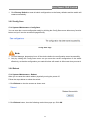
Reboot
Press Reboot button, can reboot switch.
20