1
1. Setting up the Orca
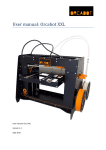
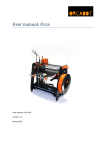
After building or unpacking the Orca, the next step is setting up the printer. A few things are
important:
-
The Orca must be placed on a smooth and level surface
There must be an electric socket, recommended is a socket with an on/off switch
It is recommended to choose a room or place which has a decent ventilation
The Orca package contains the Orca printer, a USB cable and two power supplies. The USB cable is
for connecting the printer to a computer. The two power supplies are for:
1. Heated bed
2. Electronics etc.
Before testing and connecting the printer to the computer, choose a solid table or desk, to put the
printer on. Switch the machine on by switching on the two power supplies (the Orca itself doesn’t
have an On/Off switch) and connect the Orca with a computer via the USB cable.
The computer will detect a new USB device on one of the COM ports.
User manual: Orca - version 1.1
3