1
Chapter 7
Creating Custom Runtime Displays
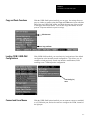
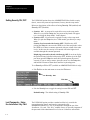
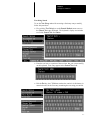
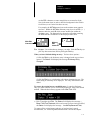
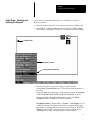
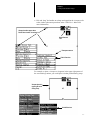
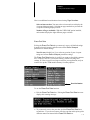
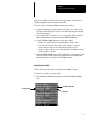
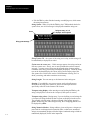
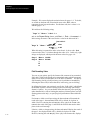
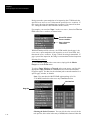
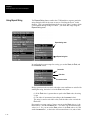
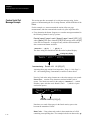
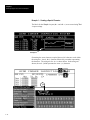
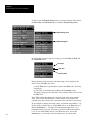
• Pick and “drag” the handles to reshape and reposition the viewport (refer
to the window placement procedures in the CVIM User’s Manual for
more information).
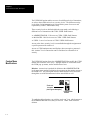
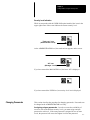
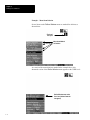
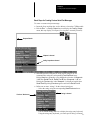
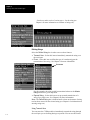
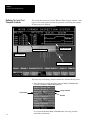
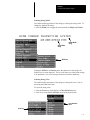
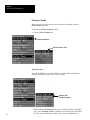
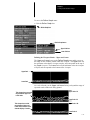
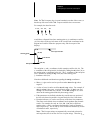
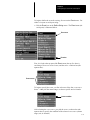
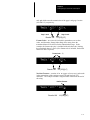
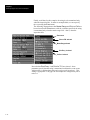
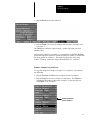
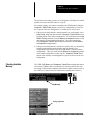
Viewport handles appear when
Pick & Place function is activated
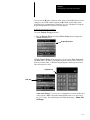
Menu Removal
icon
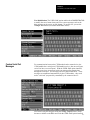
Transparent menus
Pick & Place box
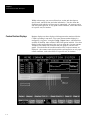
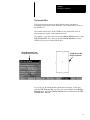
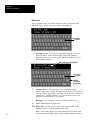
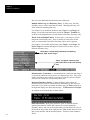
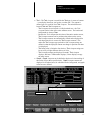
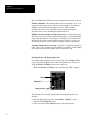
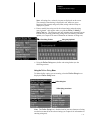
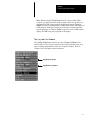
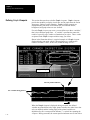
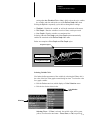
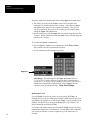
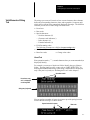
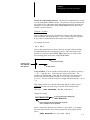
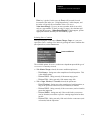
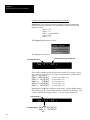
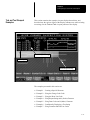
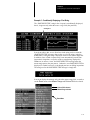
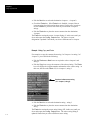
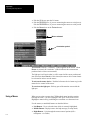
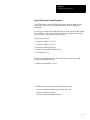
For example, to place a viewport so it appears in the upper right quarter of
the screen during runtime, you would place it in that position during setup:
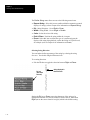
Viewport placed in
upper right corner
during setup.
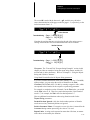
Pick & Place box
7–7