1
P a g e | 21
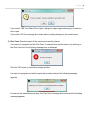
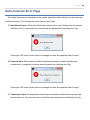
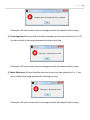
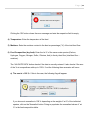
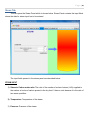
Clicking the 'OK' button closes the error message and sets the respective field to empty.
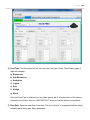
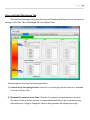
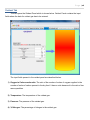
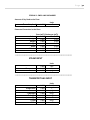
4) Temperature: Enter the temperature of the feed.
5) Moisture: Enter the moisture content in the feed as percentage ('%') of the total feed flow.
6) Feed Composition (dry feed): Enter the 'wt %' of the seven main species (Carbon,
Hydrogen, Oxygen, Nitrogen, Sulfur, Chlorine, Ash) in the dry feed flow (total feed flow –
moisture).
The „VALIDATE DATA‟ button checks if the data is correctly entered. It also checks if the sum
of the % wt compositions adds up to 100%. If not the following three scenarios will occur.
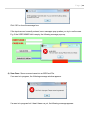
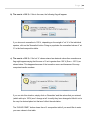
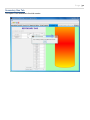
a) The sum is > 100 %: If this is the case, the following flag will appear:
If you choose to normalize to 100 % depending on the weight of 'wt %' of the individual
species, click on the 'Normalize' button. Doing so populates the normalized values of 'wt
%' in the feed composition table.