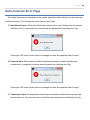
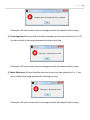
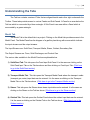
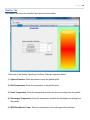
1
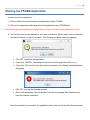
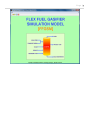
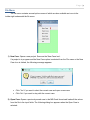
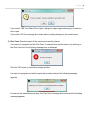
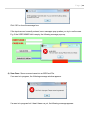
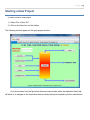
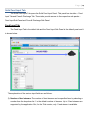
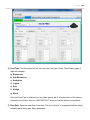
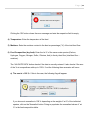
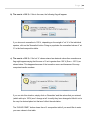
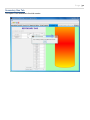
Page |4 Starting the FFGSM Application In order to start the application: 1) Click on Start button and browse to the application folder (FFGSM). 2) Click on the application folder and select the application name (FFGSM.exe). Note: Please wait patiently because it might take a couple of minutes for the application to start. 3) The first time you run the application, you need to activate it. Please make sure you have the internet connection in order to activate it. The following activation dialog box appears. Click „OK‟ to activate the application. If you click „CANCEL‟, the dialog box will close and the application will not run. If you click „OK‟ but don‟t have the internet connection, the following message window will appear. Click „OK‟ to close the message window. Re-run the application if you would like to activate the program later whenever you have the internet connection. Once the activation is successful, the application starts and you will see the following screen: