1
Chapter 8
Controlling operations
Managing doors
Door/output control
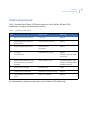
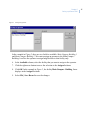
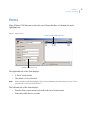
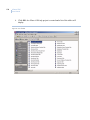
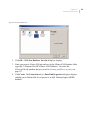
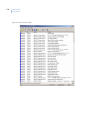
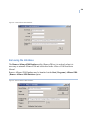
The Door/output control option allows you to manually open or close doors and turn on or
off outputs.
You can list readers (these are also referred to as arming stations or doors) or outputs for all
control panels (or per control panel), as listed in the Controller Utility Form.
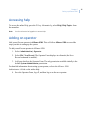
The labels of the Set state to buttons change depending on whether Reader or Other is
selected.
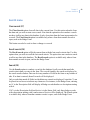
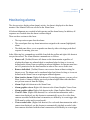
Reader commands
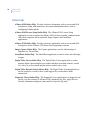
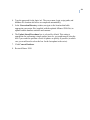
When the selected DO type is Reader, (arming stations or doors) the associated commands
are:
•
•
•
•
•
•
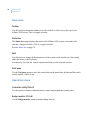
Duration unlock. Opens the Timed Open window. Enter the time in seconds for
the duration unlock time, and then click OK.
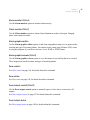
Indefinite unlock. Unlocks the highlighted door which will remain unlocked until
you manually lock it by clicking Lock.
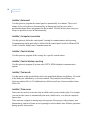
Open. Immediately unlocks the highlighted door.
Lock. Immediately locks the highlighted door.
Enable. When the Enable button is clicked, the selected devices will be enabled
and will respond to all valid commands such as Open or Lock.
Disable. When the Disable button is clicked, the selected devices will be disabled
and will not respond to commands such as Open or Lock.
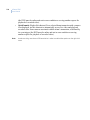
Other commands
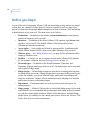
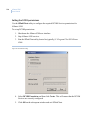
When the selected DO type is Other (outputs) the associated commands are:
•
•
On indefinite. Activates the highlighted output, which will remain active until you
manually turn it off by clicking Off.
Off. Deactivates the selected device.
107