1
124
Alliance 8300
User Manual
Templates
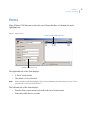
Alliance 8300 provides templates that allow you to enter report parameters. These can be
saved and then recalled to run a report.
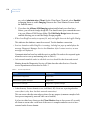
When you select a specific report from the Alliance 8300 menu, a Template list box
displays the name of the currently loaded template, if there is one. To select a template, click
on the arrow at the right end of the field, which displays a list of the available templates.
Select the desired template and it will be loaded.
Report templates are useful when a certain report will be run frequently. Once the desired
report is selected, it can be saved as a template and revised by loading it from the template
combo box.
If a date or time is specified, the date and time selections are saved as part of the template.
You may need to change these areas each time you run the report. Verify that the template
reflects the appropriate information and update as necessary.
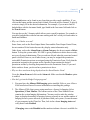
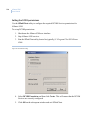
Templates button
The Templates button is for saving a template or making it a default.
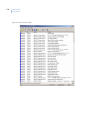
Print preview report
The File | Print preview report command allows you to preview a report before printing it.
A printer must set up in Windows and added to your system in order for this feature to work.
Print report
The File | Print report command allows you to send the current report to the currentlydefined printer.