1
Note: value marked * denotes default value, not currently selected mode.
Setup: Save settings
Saves settings in non-volatile memory (EEPROM). Please note that video signal may disappear for
a moment while saving settings.
Setup: Load defaults
Loads default values, discarding all user settings. Baud rate is set to 1Mbit, codepage to CP437 and
TV Mode to PAL.
Setup: uVGA Tests
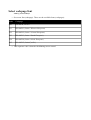
Allows MicroVGA testing. Three basic tests are provided:
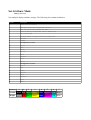
Setup: uVGA Tests > Color test
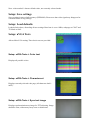
Displays all possible colors
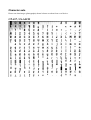
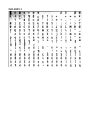
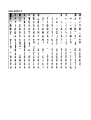
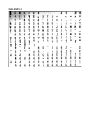
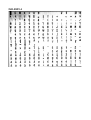
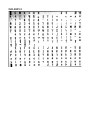
Setup: uVGA Tests > Character set
Displays currently selected code page (all characters 0x00 –
0xFF).
Setup: uVGA Tests > Sync test image
Displays synchronization test image for TFT adjusting. Image
should be clear, without any fuzzy areas or distortions.