1
NLSS DC400 HD Media Decoder: User Manual DC-20120712
Configuration and Operation via a Browser
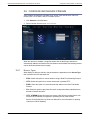
3.6 CONFIGURE AND MANAGE STREAMS
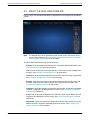
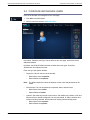
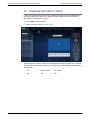
Video streams are listed in the Streams page. Stream types include local video files,
remote RTSP, HTTP, RMTP, and HTTP Stream Source.
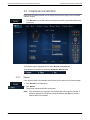
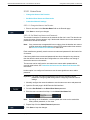
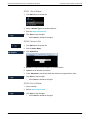
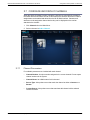
1. Click Streams in the Main Menu.
2. Select a stream from the list or Add a Stream.
When the decoder is installed, a single file stream with the NLSS logo animation is
automatically added to the Streams list. New streams can be added, and existing streams
can be edited and deleted from this page.
3.6.1
Stream Types
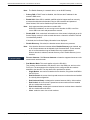
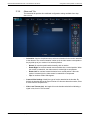
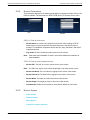
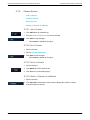
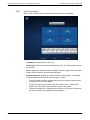
When adding or editing a selection, the parameters are dependent on the Stream Type
that is selected from the drop-down list:
•
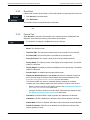
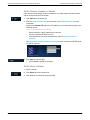
RTSP: Select this option for remote streams using to Real-Time Streaming Protocol.
•
HTTP: Select this option for to access camera that is pushed HTTP.
•
RTMP: Select this option for remote streams that adhere to the Real-Time Media
Protocol.
•
File: Select this option to play video files (such as logo animations) uploaded to the
decoder’s internal hard drive.
•
HTTP_STREAM: Select this option to access a video file being pushed from a web
server or NLSS Gateway, as opposed to uploading the file to the decoder.
See the NLSS Unified Security Suite User Manual for more information on pushing
video from an NLSS Gateway.
© 2009-2012 Next Level Security Systems, Inc.
35

![RessqM, Enhanced Version of RESSQ [Javandel et al., 1984]](http://vs1.manualzilla.com/store/data/005674408_1-e8a4b9f66c80cdc83d847a710e5b4b1f-150x150.png)