1
THOR Standard Edition – User Manual
-
Version 3.5.6
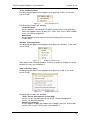
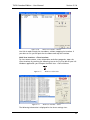
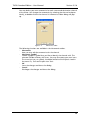
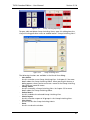
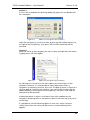
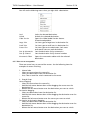
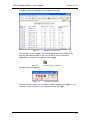
LOCAL IP
The IP address of the local, client computer.
SERVER IP
The IP address of the Master computer.
SERVER PORT
Shows the communication port of the Master computer. THOR
automatically generates this parameter.
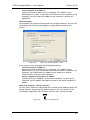
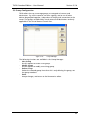
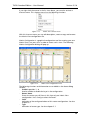
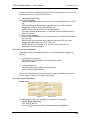
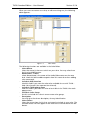
The following options are available in the same view:
- Connect
Manual connect to the Master computer, if disconnected.
- Disconnect
Manual disconnect from the Master computer.
- Auto Connect
Automatically connect your local, client computer to the Master computer
upon start-up of the Multi User Interface.
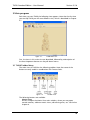
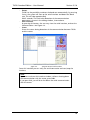
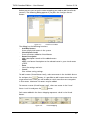
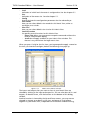
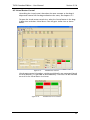
The Reset button in the Activity view resets the communication counters of
Packets and Bytes. It does not reset the communication.
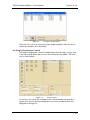
The Clear button clears the leftmost view, showing all commands and
communication log. The view in the middle of the window above shows all
routers and computers that are active in the Multi User environment of THOR.
This view is only cleared when the Multi User Interface is stopped.
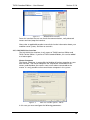
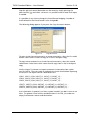
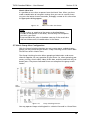
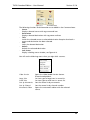
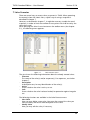
Use Hide program in order to quit the view above, without stopping the
interface. If you select to Exit program you will quit the view above and stop
the interface.
23