1
3 SFC PROGRAM EDITING
MELSOFT
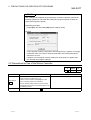
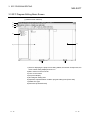
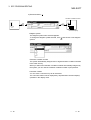
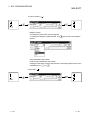
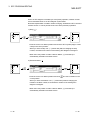
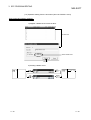
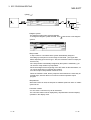
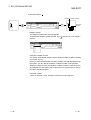
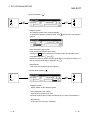
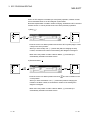
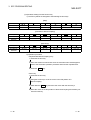
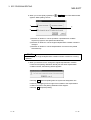
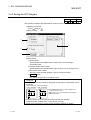
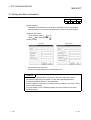
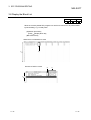
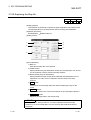
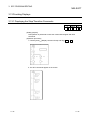
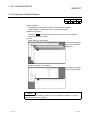
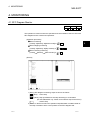
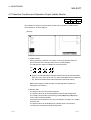
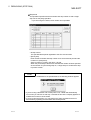
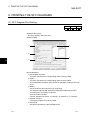
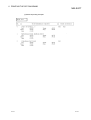
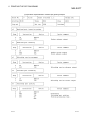
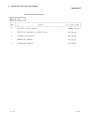
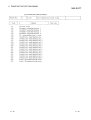
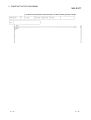
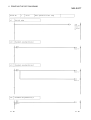
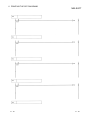
1) One screen displays 32 blocks.
Using the scroll bar, Page Up / Page Down or
/
key, you can
change the displayed blocks.
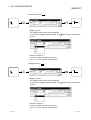
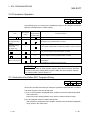
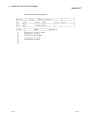
2) Indicates whether the corresponding blocks have been converted or not.
: Already converted
: Not yet converted
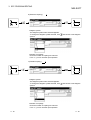
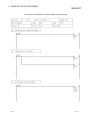
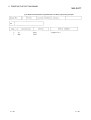
3) Display the block program type. (FXCPU only)
"SFC block" or "Ladder block" is displayed.
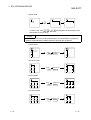
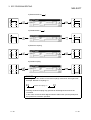
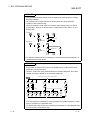
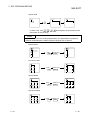
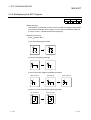
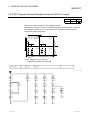
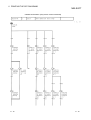
If a ladder circuit that contains a STL instruction cannot be changed to an SFC
block, add the "!" mark so that the display is "Ladder block!".
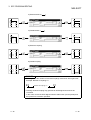
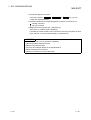
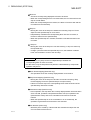
POINTS
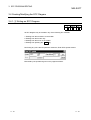
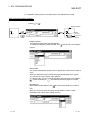
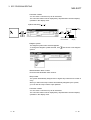
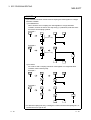
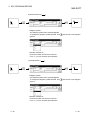
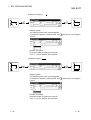
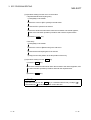
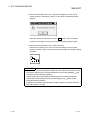
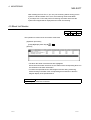
In the SFC block list, you can perform the following.
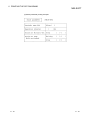
1) Block information setting/correction
2) Batch copy between blocks
3) Jump to SFC diagram display in the specified block
4) SFC monitoring in the block list
5) (Batch) Conversion of unconverted blocks
3 - 52
3 - 52