1
3 SFC PROGRAM EDITING
MELSOFT
3.4.1 (3) Changing the Step Attribute
A
Q/QnA
FX
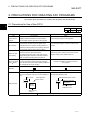
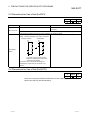
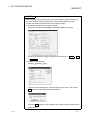
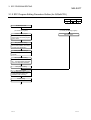
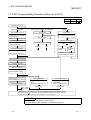
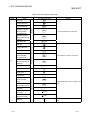
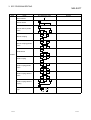
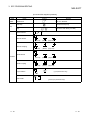
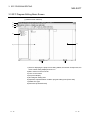
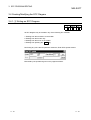
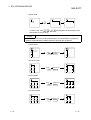
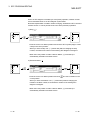
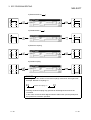
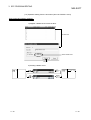
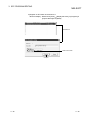
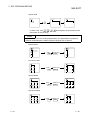
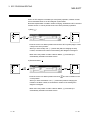
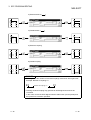
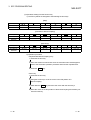
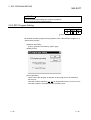
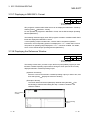
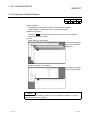
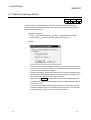
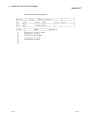
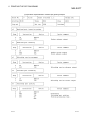
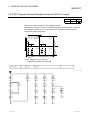
This section describes how to change the step attribute in the existing SFC diagram.
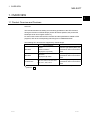
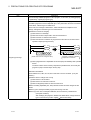
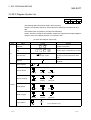
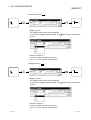
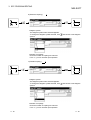
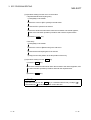
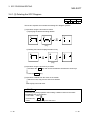
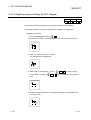
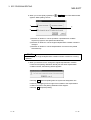
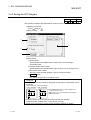
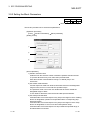
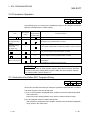
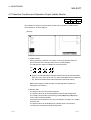
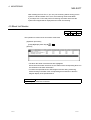
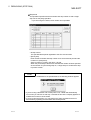
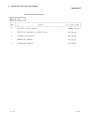
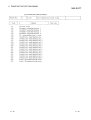
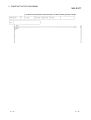
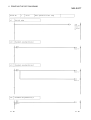
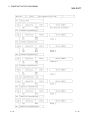
The step attribute can be changed by any of the following tool button clicking, menu
operation and key pressing.
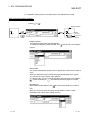
Tool Button Key Pressing
Ctrl + 1
Menu
Description
Remarks
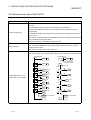
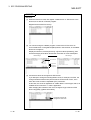
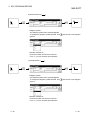
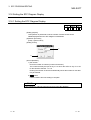
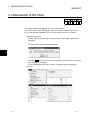
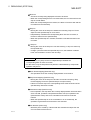
1) Editing
• Makes the preset step attribute invalid.
2) Step attribute setting
Ctrl + 2
• Changes the preset step attribute to SC .
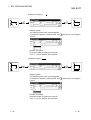
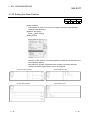
3) Choose a new attribute.
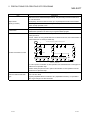
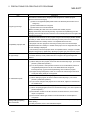
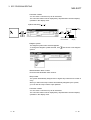
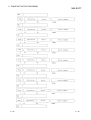
Ctrl + 3
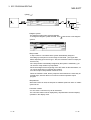
• Changes the preset step attribute to SE .
Q/QnACPU only
Ctrl + 4
• Changes the preset step attribute to ST .
Q/QnACPU only
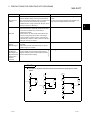
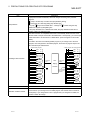
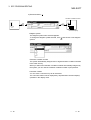
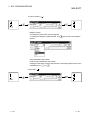
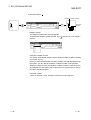
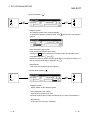
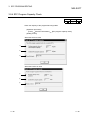
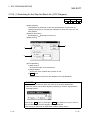
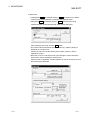
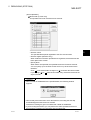
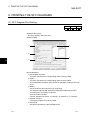
• Changes the preset step attribute to R and
sets the reset destination step No.
Ctrl + 5
• When it has already been set to R ,
Q/QnACPU only
changes the reset destination step No.
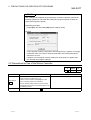
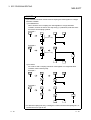
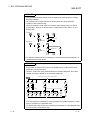
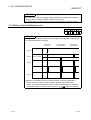
POINT
If the step attribute has been changed, the existing operation output sequence
program remains unchanged.
3 - 39
3 - 39