1
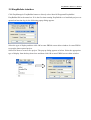
Background
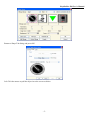
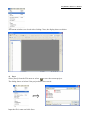
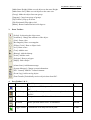
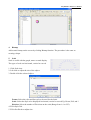
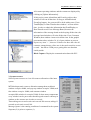
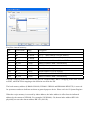
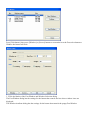
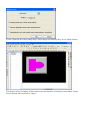
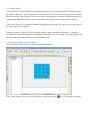
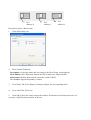
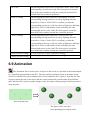
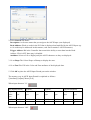
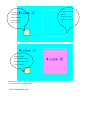
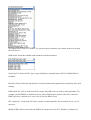
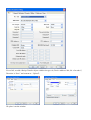
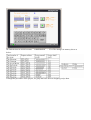
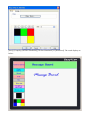
Allows the background field of the library objects to be changed. This is used to see
how a window’s background color affects the way a bitmap appears. The
background color of the bitmap object in the library does not follow the bitmap
when it is placed on the window.
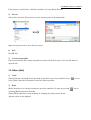
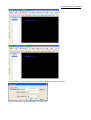
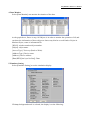
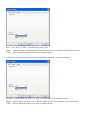
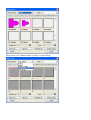
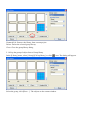
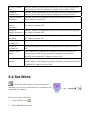
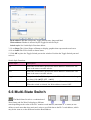
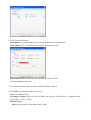
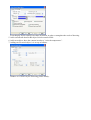
Select Lib
Attach an existing library to the current project
New Lib
Attach a new (blank) library to the current project
Unattach Lib
Remove a library from the current project
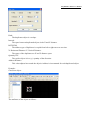
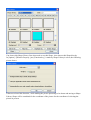
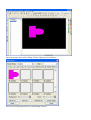
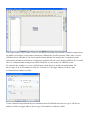
Add bitmap
Add Bitmap graphics to the specified cell
Delete bitmap
Delete Bitmap graphics from the selected cell
Export
Save the Bitmap to a file with *.bmp format
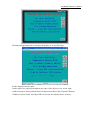
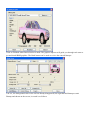
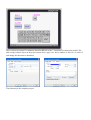
Note: After create the new shape library or new shapes have to save project. Otherwise, the library or
shapes will lost. After deleting, when there is Bitmap used in this Library in the procedure, the
corresponding position in the procedure will no longer show corresponding Bitmap, but show the blank
figure , and even choose this Bitmap Library again, the corresponding position will no longer show this
Bitmap, only reselect corresponding Bitmap for this component and can show Bitmap again .
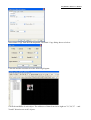
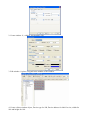
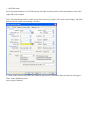
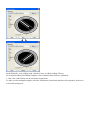
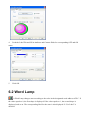
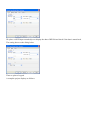
4. Click [OK]