1
Working with DataReconstructor
Note:
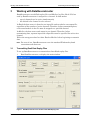
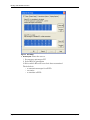
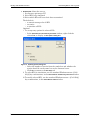
The carrier board and module for each channel which has been set up to
transmit data, is displayed on the channel tab page.
Figure 2 Board and Module for Each Active Channel
2.
3.
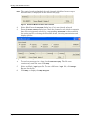
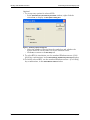
Select Exalt from the File mode dialog box, if it is not already selected.
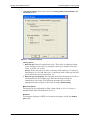
From the Active channels dialog box, check the channels over which to transmit
data. For each channel selected, a corresponding Channel tab is then available
for setting up RTs, selecting the Excalibur board, choosing transmission and
display options.
Figure 3 Exalt – Selecting buses over which to transmit data
4.
5.
6.
page 4
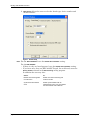
To send out messages in a loop, check Continuous replay. The file runs
continuously until the user clicks Stop.
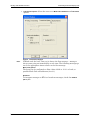
Select an Exalt *.rpf input file. To run a different *.rpf file, click Change.
Browse for the file.
Click Map, to display the Map dialog box.
Excalibur Systems