1
DSL-2640T ADSL 2+ Router User Guide
Configure the Router
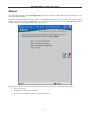
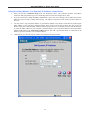
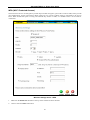
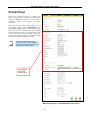
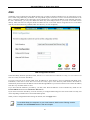
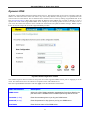
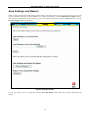
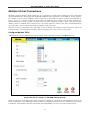
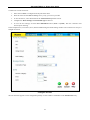
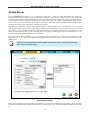
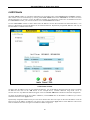
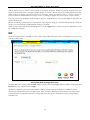
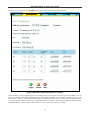
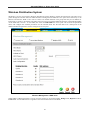
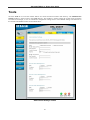
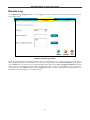
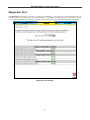
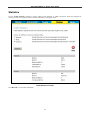
When you successfully connect to the web manager, the Home directory tab will display the Setup Wizard window.
You can launch the Setup Wizard from this page or use the buttons located in the left panel of the web page to view
other windows used for basic configuration.
Click on a directory tab to
view the windows available
in that directory
Click on a button to use or
view the window
Click the Run Wizard
button to launch the
Setup Wizard
Web Manager – First Time Log On
All configuration and management of the Router is done using the web-based management interface pictured in the
above example. The configuration windows are accessed by clicking on the directory tabs: Home, Advanced, Tools,
Status, and Help. Each tab has associated window buttons in the left hand panel of the web interface. Basic setup of the
Router can be completed in the windows accessed from the Home directory including: (Setup) Wizard, WAN
(Internet), LAN (to configure the IP address of the Router) DHCP, DNS and Dynamic DNS.
16