1
DSL-2640T ADSL 2+ Router User Guide
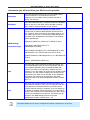
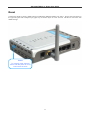
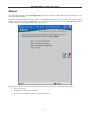
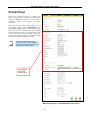
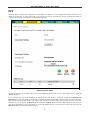
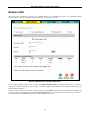
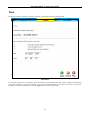
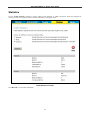
Reset
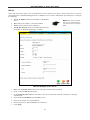
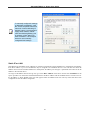
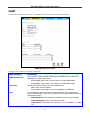
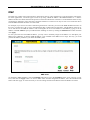
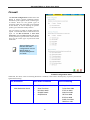
To Reset the Router to factory default settings including the default IP address 192.168.1.1, depress the reset button on
the right side panel with a ballpoint pen, paper clip or similar object for a few seconds. The device will restart with
default settings.
Reset
To manually reset, depress
button with the power on for at
least seven seconds
11