1
Options Menu
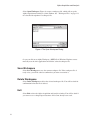
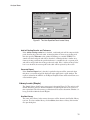
Report Window
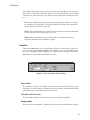
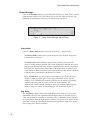
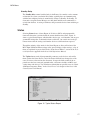
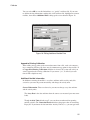
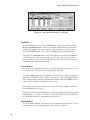
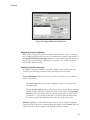
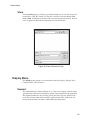
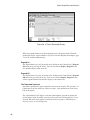
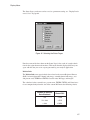
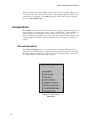
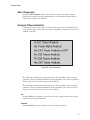
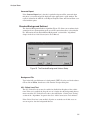
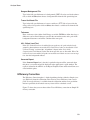
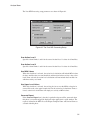
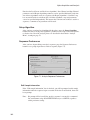
The Report Window menu item lets you choose among several commands: three of
these are for the window’s contents, the others control the window’s size. The window
size you choose can be saved as a permanent setting; see “Preferences” on page 60.
You can create a PDF file of the Report Window’s contents with the File | Export Report to PDF command (page 5).
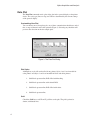
Copy Highlighted Contents to Clipboard
This command copies the highlighted contents of the Report Window to the system
clipboard so you can paste the data in another application, such as a word processor or
a presentation program.
Copy Contents to Clipboard
This command copies the entire contents of the Report Window to the system clipboard so you can paste the data in another application, such as a word processor or a
presentation program.
Clear Contents
Selecting this command will remove all data from the Report Window.
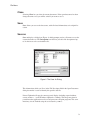
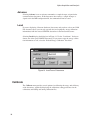
Load Existing Report
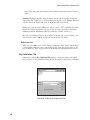
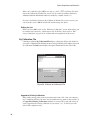
This command loads a selected RPT file into the Report Window. If there is already a
report in the window, the loaded file will overwrite it. Execution of this command requires that the Report Window not be minimized.
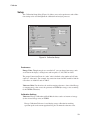
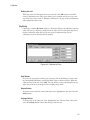
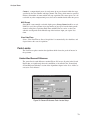
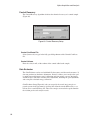
Default Size
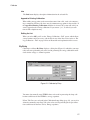
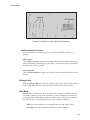
If you have changed the size of the Report Window, either by dragging a window border or by using one of the sizing commands in this menu, this command will return the
window to its original size.
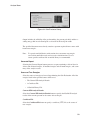
Maximize
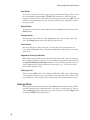
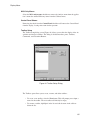
The Maximize command will enlarge the Report Window to full screen, allowing you
to read the data more easily.
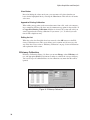
Minimize
This command removes the Report Window from the display and maximizes the spectral display.
111