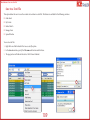
1
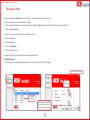
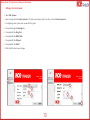
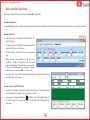
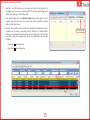
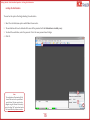
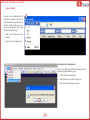
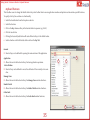
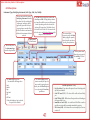
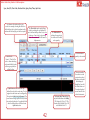
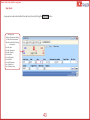
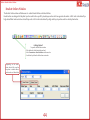
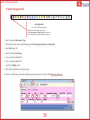
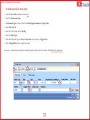
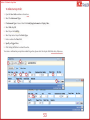
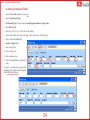
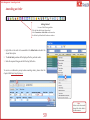
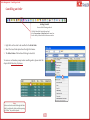
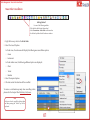
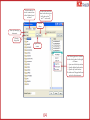
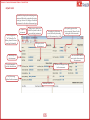
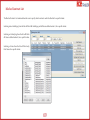
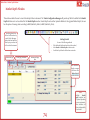
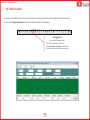
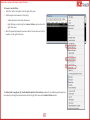
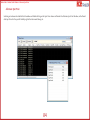
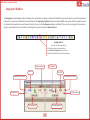
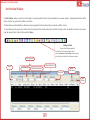
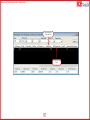
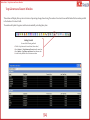
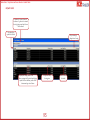
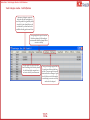
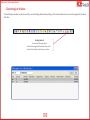
Miscellaneous > Save to a Text File Save to a Text File This option allows the user to save the contents of a window to a text file. This feature is available for the following windows: Order Book My Trades Market Watch Manage Users Spread Window To save to a text file: 1. Right-click on a field and select the Save as a text file option. 2. In the Save As window, specify the File name and location and click Save. 3. The progress bar will indicate the status. Click OK once finalized. 2 1 3 109