1
User Manual – Mobile Job Management v2.1.7 | 15 April 2014
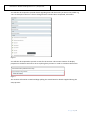
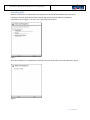
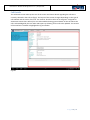
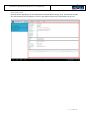
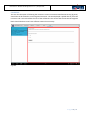
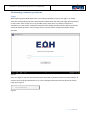
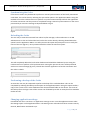
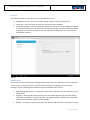
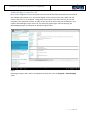
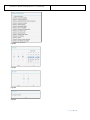
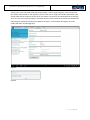
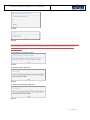
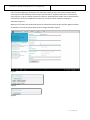
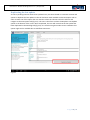
Activity Tab. In the Call Status field select the Pending – Vendor option (fig 19.1). This will open up
the vendor related fields on the interface. The user then has to supply the vender responsible in the
Vendor field and the reference of the call on the vendor’s systems in the Vendor Reference field (fig
19.1). The user also needs to supply a comment relevant to the update in the Comments field before
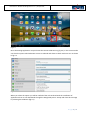
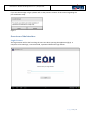
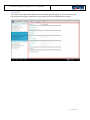
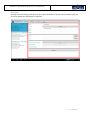
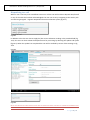
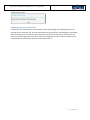
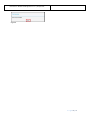
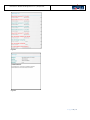
submitting the update by selecting the Update Call option. A confirmation will appear once the
update has been recorded (fig 19.2).
Fig 19.1
Fig 19.2
P a g e 37 | 47