1
Back to top
Tools
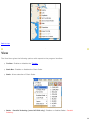
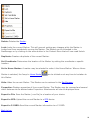
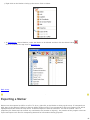
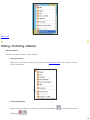
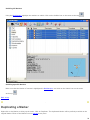
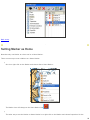
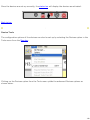
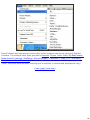
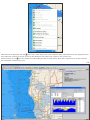
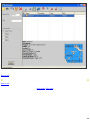
The Tools menu allows direct access to various key NavManager Pages. Below are the options that can be found in
Tools:
●
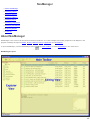
NavManager: Opens NavManager.
●
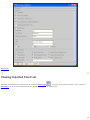
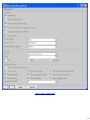
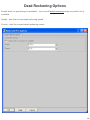
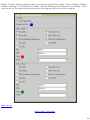
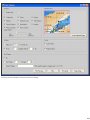
Options: Opens the program Options. In this box the following features are managed; General
Specifications; Colors, Units, Boat, Vessel (note: NC PRO only); Radar - Parallel Indexing (note: NC PRO
only); C-Map and S-57 Charts; Alarms and Ranges;Boat options; AIS; ARPA and Simulation, Recording and
Dead Reckoning.
●
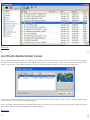
Devices: The Device Menu can be used to set up and launch any devices that are attached to
the computer. These devices include ARPA, GPS, GYRO, AIS Receiver, Anemometer, AutoPilot
and Depth Sounder. The Device Wizard can be used as a guide to set up devices.
●
Primary Positioning Device: Allows the choice of GPS or AIS as the Primary Positioning Device.
●
Start Simulation: Starts a simulated track on the selected route.
●
Stop Simulation: Stops the simulation of a track.
●
●
●
Lock to World Time: When in Time Machine Mode, click on Lock to World Time to go back to
normal time.
Request From GPS: Data may be transfered from your GPS unit by clicking on this tab. The
submenu gives the option to import Markers, Routes or Tracks.
Tripometer: Allows the choice to Reset Trip A or Reset Trip B.
Back to top
Goto
The Goto menu allows the focus of the Main Chart View to be changed. The following options are available:
●
●
Home: If a Marker has been defined as a Home Marker the view will center at that Marker.
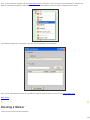
Coordinate: Allows the view to be centred on a specific location. A location entry will be added
to NavManager after searching.
29