1
Chapter 2 Quick Start
To Create, Save, and Output an Arbitrary Waveform
7.
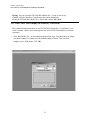
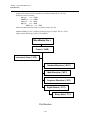
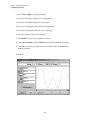
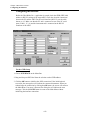
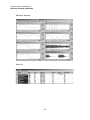
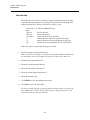
Choose Edit | Harmonics, while waveform window #3 is selected.
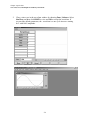
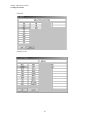
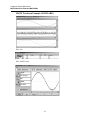
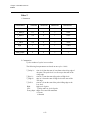
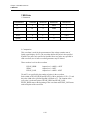
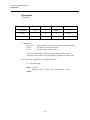
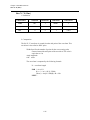
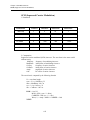
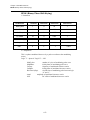
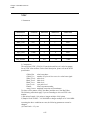
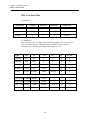
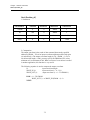
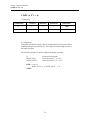
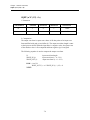
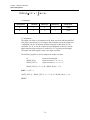
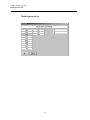
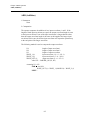
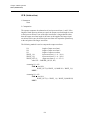
You can view the frequency components of waveform #3. Click
Amp_Phs in sine to list the two frequency components of the waveform.
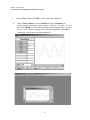
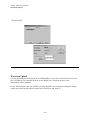
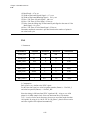
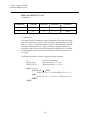
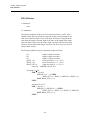
You may view the list in graphic form by choosing Graph on the Menu
Bar. Click Quit to return to the harmonic listing. Click CANCEL or OK
to return to the main form.
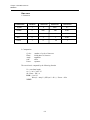
-2.9
-8.9
-0.5
-66.2
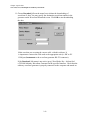
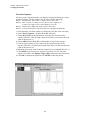
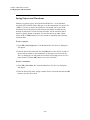
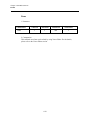
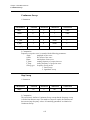
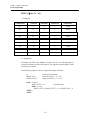
NOTE: Use the blue and red markers to indicate the frequency and amplitudes as shown on the
X and Y axes. To zoom in on a specific frequency range, put the mouse pointer at the beginning frequency point within the Graph area. Click and drag the mouse pointer towards the right
and a dotted box will outline the frequency range to be zoomed in on.
2-9