1
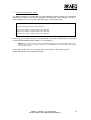
Now the program can be started:
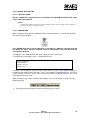
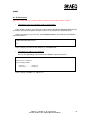
When there is IP connection between client PC and the SWING, a message will appear:
CONNECTED:OK
On the contrary, if there is not a connection, it will read:
CONNECTION: REFUSED
In that case, all previous steps have to be checked.
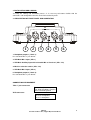
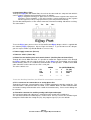
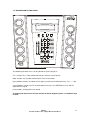
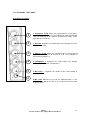
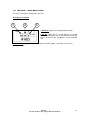
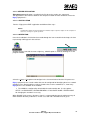
When the SWING Real-time Control application is working, a control panel of the SWING
appears in the screen.
Close option in File menu exits the program.
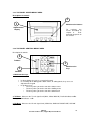
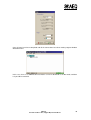
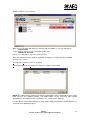
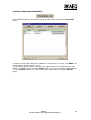
Phone Book option of the Setup menu shows the software phone book.
NOTE: This phone book is common for all E@sy applications and it is independent of the phone
book stored in the SWING memory. This phone book can be shared by other control
applications as the EAGLE R.T.C., COURSE R.T.C. and Resource Manager.
It is possible to read or write SWING’s memory phone book from Remote Control Software, as
explained in the following chapters.
SWING
Portable Audio Codec, Digital Hybrid and Mixer
51