1
Maintaining your information
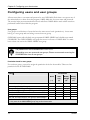
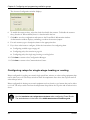
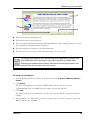
To archive data
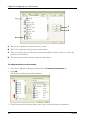
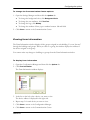
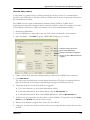
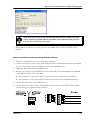
1. Start the Data Archive Utility; on the Start menu, click Programs, OMNI-4000, Data Archiver.
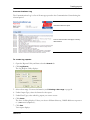
The Security Check displays
2. Enter your user name and password.
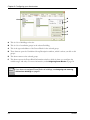
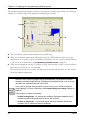
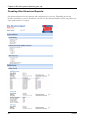
The Data Archive Utility displays.
3. Under Active Months, select the month you want to archive. To select more than one month,
press and hold the CRTL or SHIFT key while selecting.
4. Click Archive.
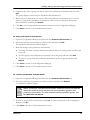
A Confirmation window appears.
5. To archive the selected month(s), click Yes. To cancel, click No.
The Utility archives the data. When complete, it moves the selected month(s) to the Archived
Months list.
6. Click Close to shut down the Utility.
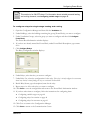
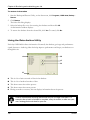
To restore archived data
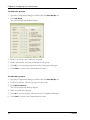
1. Start the Data Archive Utility; on the Start menu, click Programs, OMNI-4000, Data Archiver.
The Security Check displays
2. Enter your user name and password.
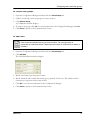
The Data Archive Utility displays.
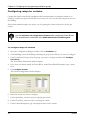
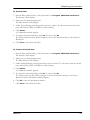
3. Under Archived Months, select the month you want to restore. To select more than one month,
press and hold the CRTL or SHIFT key while selecting.
4. Click Restore.
A Confirmation window appears.
5. To restore the selected month(s), click Yes. To cancel, click No.
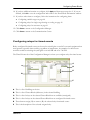
The Utility restores the data. When complete, it moves the selected month(s) to the Active
Months list and an Information window displays.
6. Click OK to close the Information window.
7. Click Close to shut down the Utility.
2008-05-06
101