1
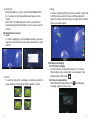
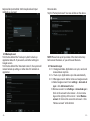
-Now the screen shows you some hints on how to setup
the photo of your face that will act as the unlocking
mechanism on your tablet. Select Continue.
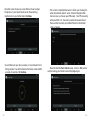
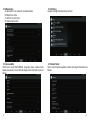
-This screen is important because it will be your backup for
when Face Unlock doesn't work. It doesn't happen often
but can occur,so choose your PIN wisely. Your PIN is exactly
what you think it is. You enter a numerical password and
then use that to unlock your tablet. Pattern is the familiar
series of swipes.
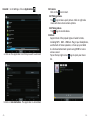
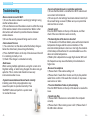
-You will then see your face, courtesy of your device's front
facing camera. You will be taken to the below screen within
a couple of seconds. Hit Continue.
-11-
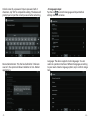
-Now finished the Face Unlock setup, click on OK. Just be
careful leaving your tablet around Doppelgangers.
- 12 -