1
Linework Files
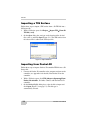
Importing Linework into a 3D Project
File
Follow these steps to import linework from a 3D Linework file into a
3D Project file.
1. With a 3D Project file open, click Linework Import
linework From 3D linework file (*.ln3).
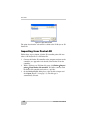
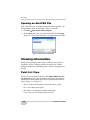
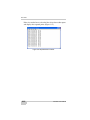
2. On the Open dialog box, navigate to the location of the desired
file, select it, and click Open (Figure 4-1).
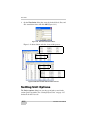
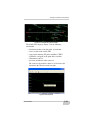
Figure 4-1. Open 3D Linework File
Importing Linework from Pocket-3D
Follow these steps to import a Pocket-3D controller linework file into
a 3D Project file.
1. Connect the Pocket-3D controller to the computer and turn on the
controller (see Appendix A for details). Run Pocket-3D on the
controller.
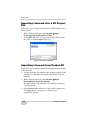
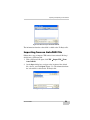
2. With a 3D Project file open, click Linework Import
linework From Pocket-3D controller.
3D-Office connects with the Pocket-3D controller and retrieves
*.ln3 linework files.
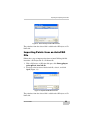
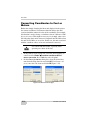
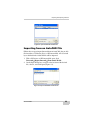
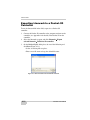
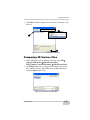
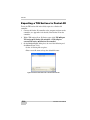
3. On the Pocket-3D files dialog box, select the file to import and
click Open (Figure 4-2 on page 4-3). The file type is
automatically selected.
4-2
3D-Office User’s Manual