1
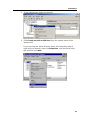
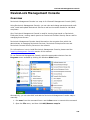
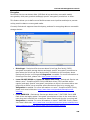
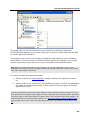
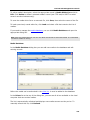
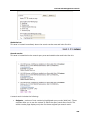
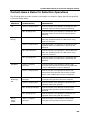
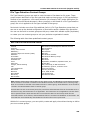
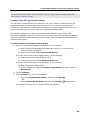
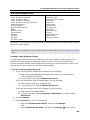
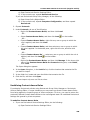
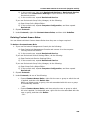
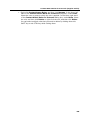
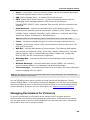
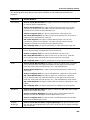
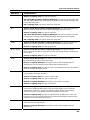
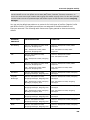
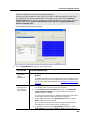
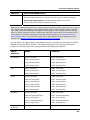
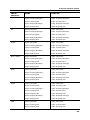
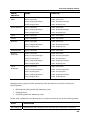
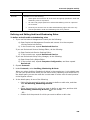
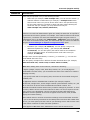
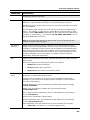
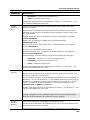
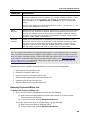
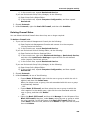
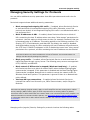
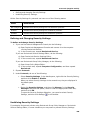
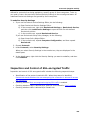
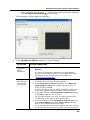
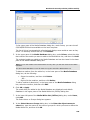
DeviceLock Reports DeviceLock Reports DeviceLock lets you create reports using data from logs stored on DeviceLock Enterprise Server. Use reports to arrange and display statistical data on a user’s device- and protocolrelated activities in a separate file. When generating a report, you can define report parameters to filter the data and display the information that is relevant to you. For example, you can specify the start and end date and time of the report period for which data is displayed. Reports can be created, automatically sent to you via e-mail, stored, exported to a variety of formats and shared with others. Reports are created by using DeviceLock Management Console. Report Categories and Types DeviceLock comes with a set of predefined report templates that you can use to create new reports. These predefined templates are displayed in the console tree, under DeviceLock Enterprise Server, Reports. Note: You can create only those reports that are based on the predefined templates. You cannot modify the predefined report templates or create your own (custom) report templates. There are two categories of report templates: Audit Log reports Shadow Log reports 459