1
CH 3 How to Use
3-1-3. Display mode change
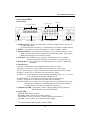
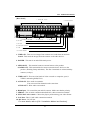
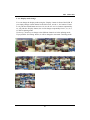
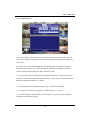
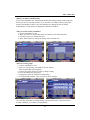
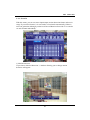
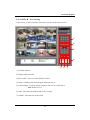
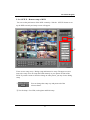
You can change the display mode using the ‘Display’ button in front of the DVR. If
you simply enlarge certain channel to the full screen, use the 1~10+ buttons. From 1
to 10, push the related button and over 10, use the 10+ and 1~6 buttons sequentially.
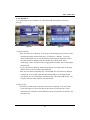
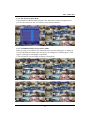
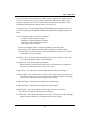
As you push the ‘Display’ button, the screen changes sequentially from 1, 4, 6, 8, 9,
13 and 16 splitting mode.
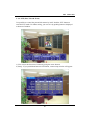
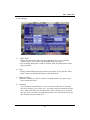
Use the up , down key to change to the different channel set in the splitting mode.
If you push the ‘Switching’ button, it will be changed to automatic switching mode.
25