1
Chapter 5
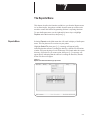
The Develop Menu
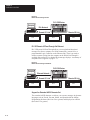
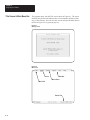
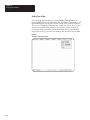
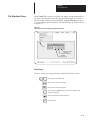
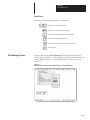
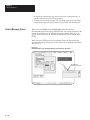
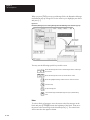
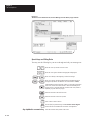
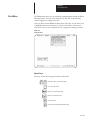
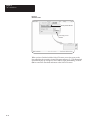
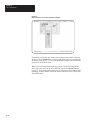
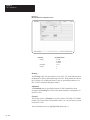
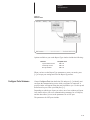
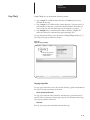
Figure 5.5
Develop Screen menu bar as it appears after selecting or creating a file
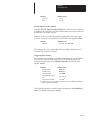
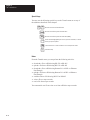
Remaining (free) memory
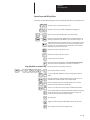
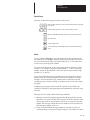
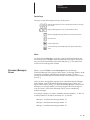
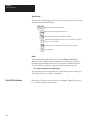
Special keys
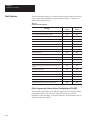
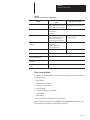
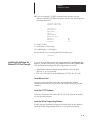
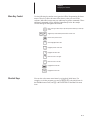
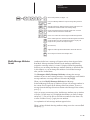
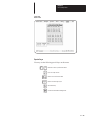
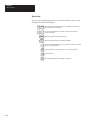
You may use the following special keys on this menu.
←
→
Moves the cursor to the desired function
Moves the cursor directly to the desired function: Messages, Options,
Ports, Verify, or Exit.
Moves cursor directly to the first function (Messages)
Moves cursor directly to the last function (Exit)
or
↵
Selects the function highlighted by the cursor
Get Online Help
Notes
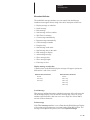
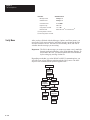
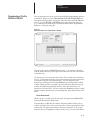
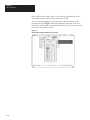
The Messages, Options, Ports, Verify, and Device branch menus allow
you to exercise precise control over every aspect of your message file. It is
good practice to work through each of these menus in turn to avoid
omissions and mistakes.
5–7