1
Chapter 5
The Develop Menu
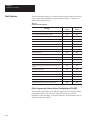
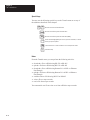
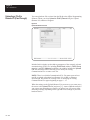
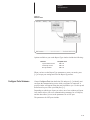
More about Attributes
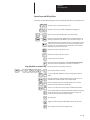
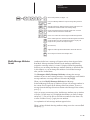
The modifiable message attributes you can control from the Message
Attributes menu appear below, along with a brief description of their use.
•
•
•
•
•
•
•
•
•
•
•
•
•
•
•
•
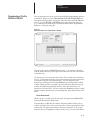
Display message on what line
Scroll message
Print message
Send message to Slave number
Wait Time for message
Clear message automatically
Repeat message automatically
Chain message to another
Energize relay
Send message to the stack
Send message time to the stack
Hide message on display
Acknowledge message
Slave message color
Slave message length
Echo relay to slave
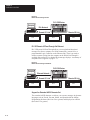
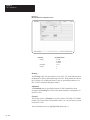
Display message on what line
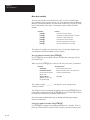
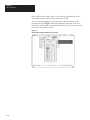
Controls where on the DL40 display the message will appear. Options are
different for 2 and 4 line versions.
With 2 line units, choose from
With 4 line units, choose from
All Lines
All Lines
Line 1 Only
Line 1 Only
Line 2 Only
Line 2 Only
Line 3 Only
Line 4 Only
Scroll message
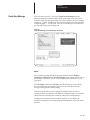
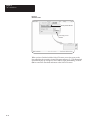
This message attribute determines whether the message will scroll across the
DL40 Message Display. You can activate scrolling only if the Line Usage
attribute (described above) has been set to use a single line. Select Yes to
activate or No to deactivate.
Print message
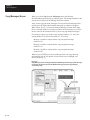
If the Print message attribute is set to Yes, then the DL40 Message Display
will send any triggered message to a printer via the DL40 RS-232 Port. The
message will be printed only once (even if the Repeat message
5 – 25